Start with the state you can see. When work may have reached Instagram, checking the outcome takes priority over creating another send.
The extension does not open
Check the folder containing manifest.json and that TrolyIG is enabled. After updating, keep the path and use Reload.
The account or connection is wrong
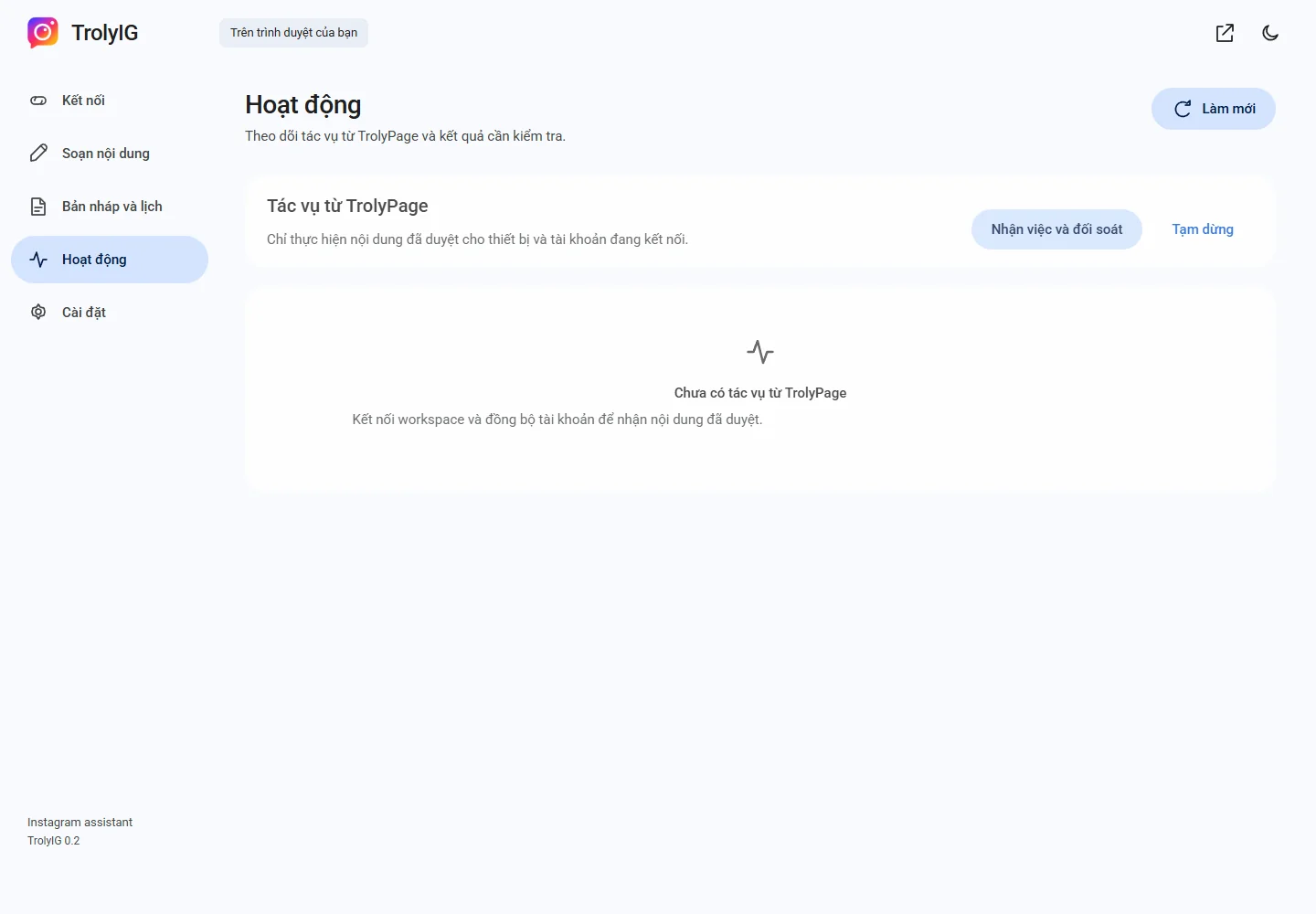
Check Instagram sign-in and choose Làm mới. Replace expired codes and sync only when the identity is correct.
A schedule or AI answer is missing
Check time, pause state, network and Chrome. For AI, use Kiểm tra yêu cầu cũ and read permission or allowance messages.
The publication outcome is unclear
Inspect the right content on the right Instagram account. Use Kiểm tra kết quả for local schedules or resolve workspace work in TrolyPage.