Drafts
Save, preview and edit browser drafts, and distinguish local content from drafts prepared for TrolyPage.


An autonomous Marketing & Sales operating system for businesses that want AI-powered omni-channel growth.
Choose the display language for content and links.
Prepare image posts, Reels and Stories, keep drafts and choose a time in TrolyIG. Connect TrolyPage for workspace AI and approved content.
TrolyIG 0.2.0 is an internal preview. Public download is not open; live pairing and Instagram publishing have not been verified. Release status
Photo posts for collections. Reels for motion. Stories for a moment. Choose the format, content and account before you act.
Prepare image posts and carousels with up to four images, preview the caption and confirm the correct account before publishing.
Explore format ReelPrepare a Reel from one MP4, add a caption and choose a time after checking the media and Instagram account.
Explore format StoryPrepare a Story from one image or a 1–50 second MP4. Leave the caption empty and confirm the account and time.
Explore formatTrolyIG keeps content, media and the Instagram account together from idea to draft. Review before publishing, and connect a workspace when you want to work with a team.
Choose an image post, Reel or Story. Add media, review the wording and save a draft to continue when ready.
Preview the draft, check the Instagram account and choose to publish now or at one specific time. Chrome must remain running and online.
Pair the device with a TrolyPage workspace, confirm the account to sync and grant separate AI permission if needed.
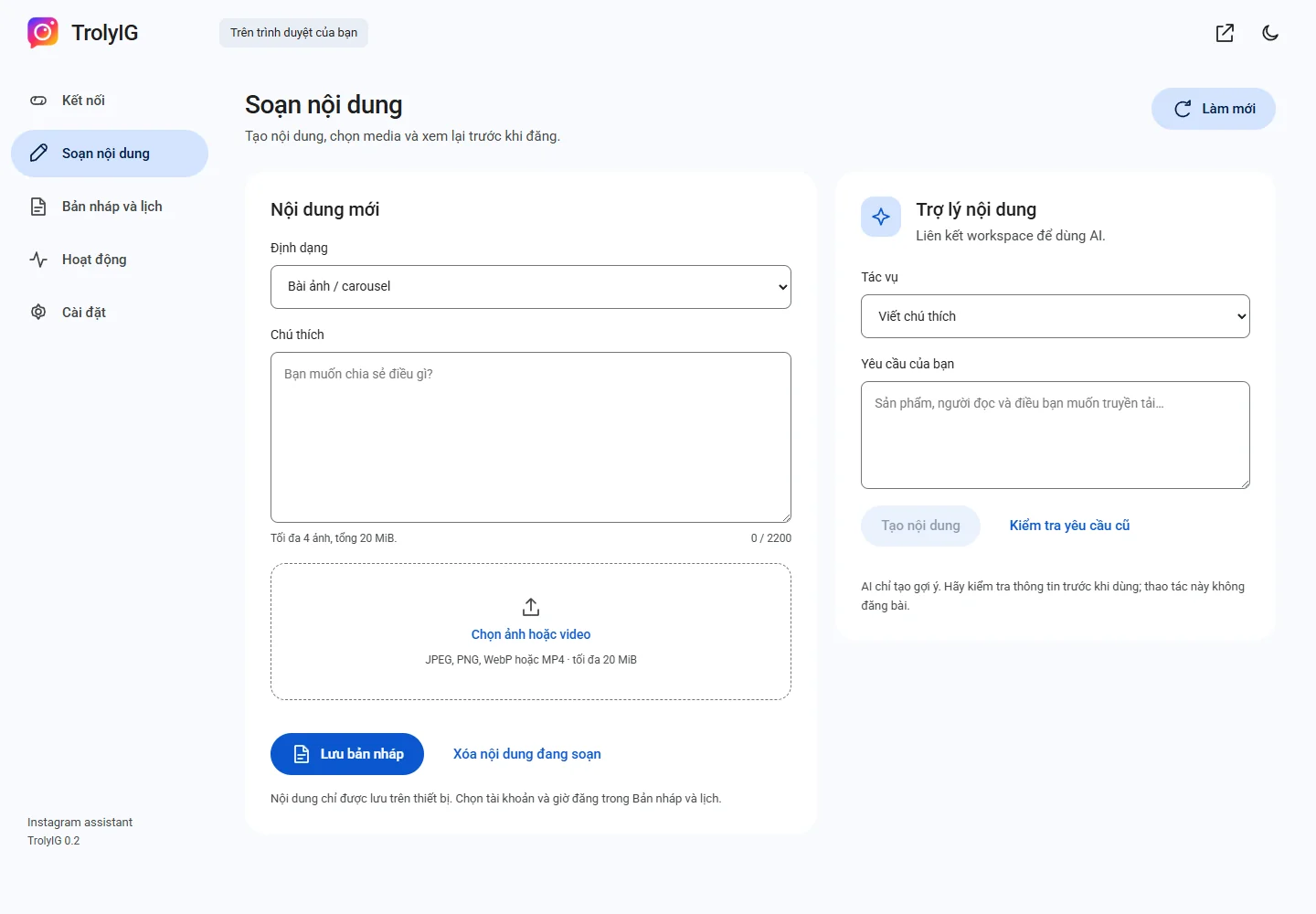
Save a draft, review its media and caption, then choose a time for each post. Every schedule is bound to the Instagram account you reviewed; Chrome must stay running and online when it is due.
Explore one-time schedulesUse AI through TrolyPage for captions, hashtag suggestions or a rewrite. You read, edit and approve the result before using it. Access and allowance are managed by your workspace.
Save, preview and edit browser drafts, and distinguish local content from drafts prepared for TrolyPage.
Track work and distinguish completed, unsent and uncertain items to avoid repeating a possible publication.
Export an individual draft as JSON with media and import it to continue preparing with a newly confirmed account and schedule.
Understand local data, synced information, separate AI permission, pausing and revoking a TrolyIG device.

Prepare product images, captions and a short Reel, then recheck pricing, details and the publication time.
Explore the workflow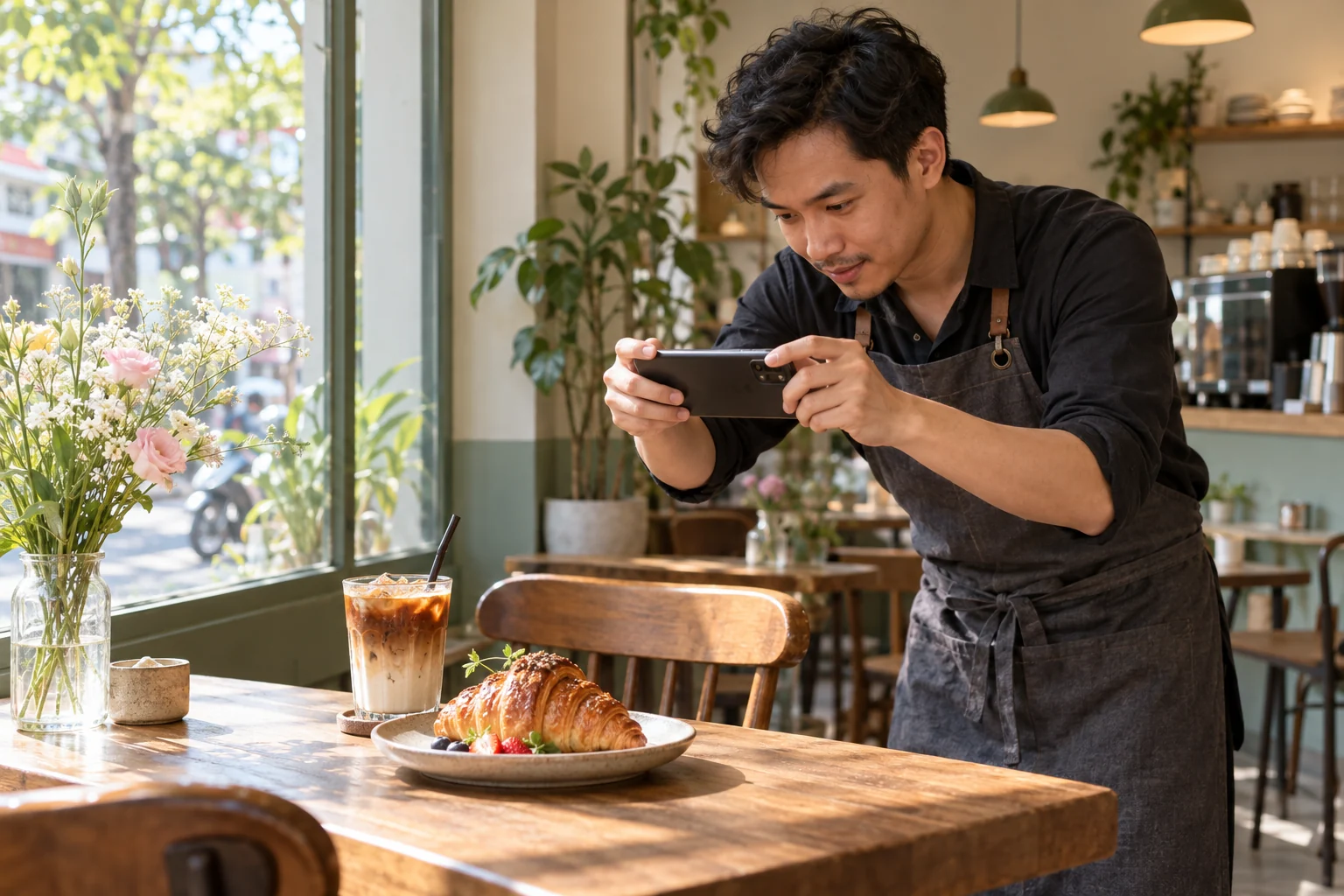
Prepare Instagram content for a café, shop or local service, with times and addresses reviewed before sharing.
Explore the workflow
Use a TrolyPage workspace to prepare content, use AI and receive approved posts on the right device and Instagram account.
Explore the workflowOriginal contextual illustrations; these do not depict actual customers.
Understand installation, connection and checking outcomes before you start.
All questionsYou can compose, save drafts and use local schedules before pairing. Connect for workspace-authorized AI and approved Social Posts content.
Yes. Keep it awake and Chrome online with the correct Instagram session. This is not cloud scheduling while the browser is closed.
No. Review the answer, use it in the composer and separately confirm publishing or scheduling. AI uses workspace allowance.
The current workflow offers one-time schedules or publishing now. Automated DMs, Lead Radar and follower growth are not independent advertised features.
Release 0.2.0 is a local build without public downloading. Workspace connection needs the updated backend; current checks do not include real Instagram publication.

Learn how to install TrolyIG and prepare your first draft.