Start once the workspace grants AI access to the device. A clear product, audience and goal make the suggestion easier to judge.
Check connection and permission
In Kết nối, check workspace and account. Contact the administrator about missing permission or allowance rather than submitting repeatedly.
Choose one task
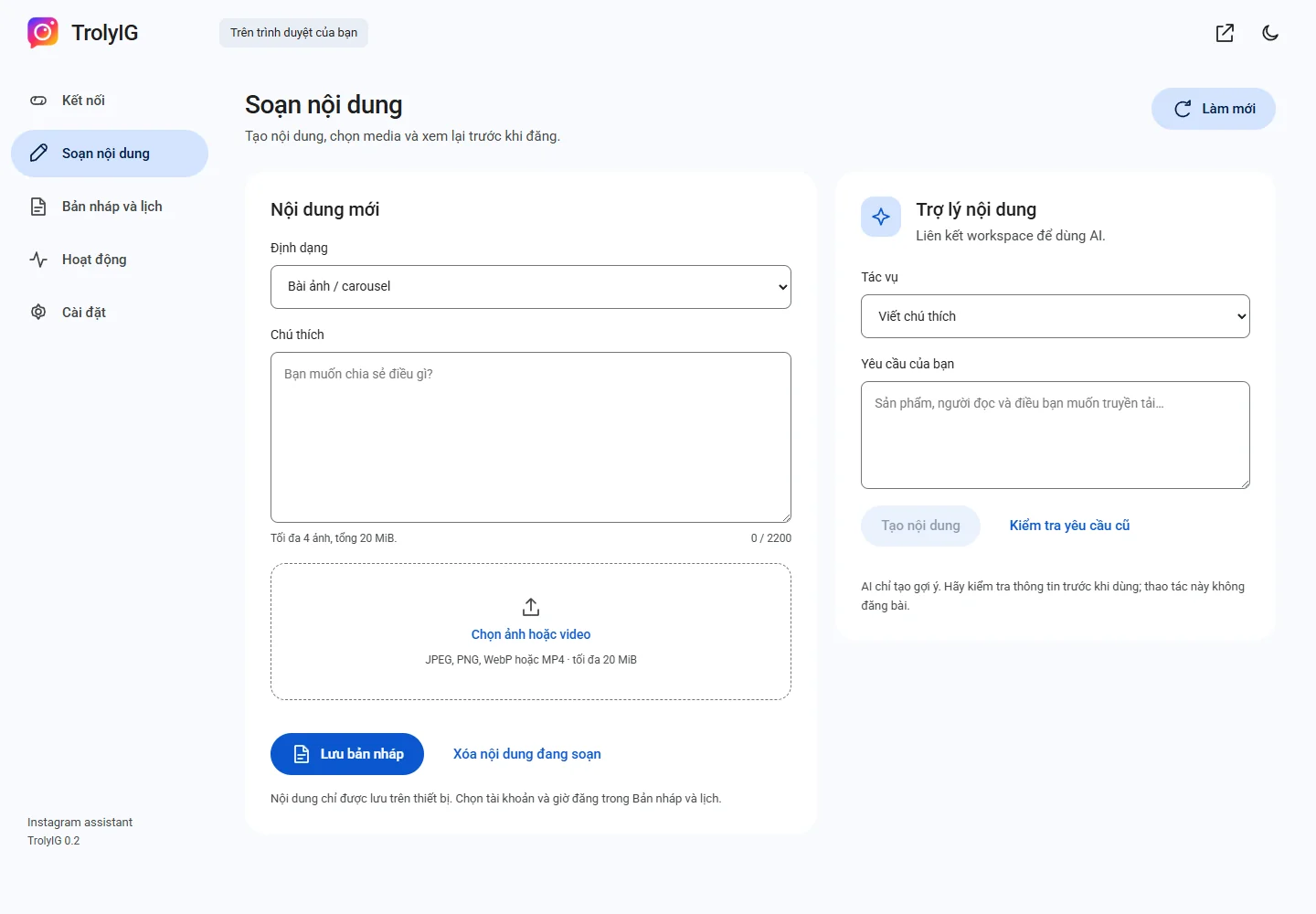
In Soạn nội dung, open Trợ lý nội dung. Choose caption writing, improvement, three alternatives or feedback.
Generate and review
Provide the brief or text, choose Tạo nội dung and wait. Check names, prices, times and other changeable information.
Use or check the earlier request
Choose Dùng trong trình soạn when appropriate. For a missing response, use Kiểm tra yêu cầu cũ; retry only when offered.