Have an authorized TrolyIG ZIP ready. The current build is not publicly distributed and is not installed from the Chrome Web Store.
Check and extract
Compare version and checksum if supplied. Extract the ZIP and locate the TrolyIG folder with manifest.json directly inside.
Enable Developer mode
Enter chrome://extensions in Chrome. Enable Developer mode and choose Load unpacked.
Select the correct folder
Select the extracted TrolyIG folder, not the ZIP or parent folder. Check this location if Chrome reports a missing manifest.
Open and check
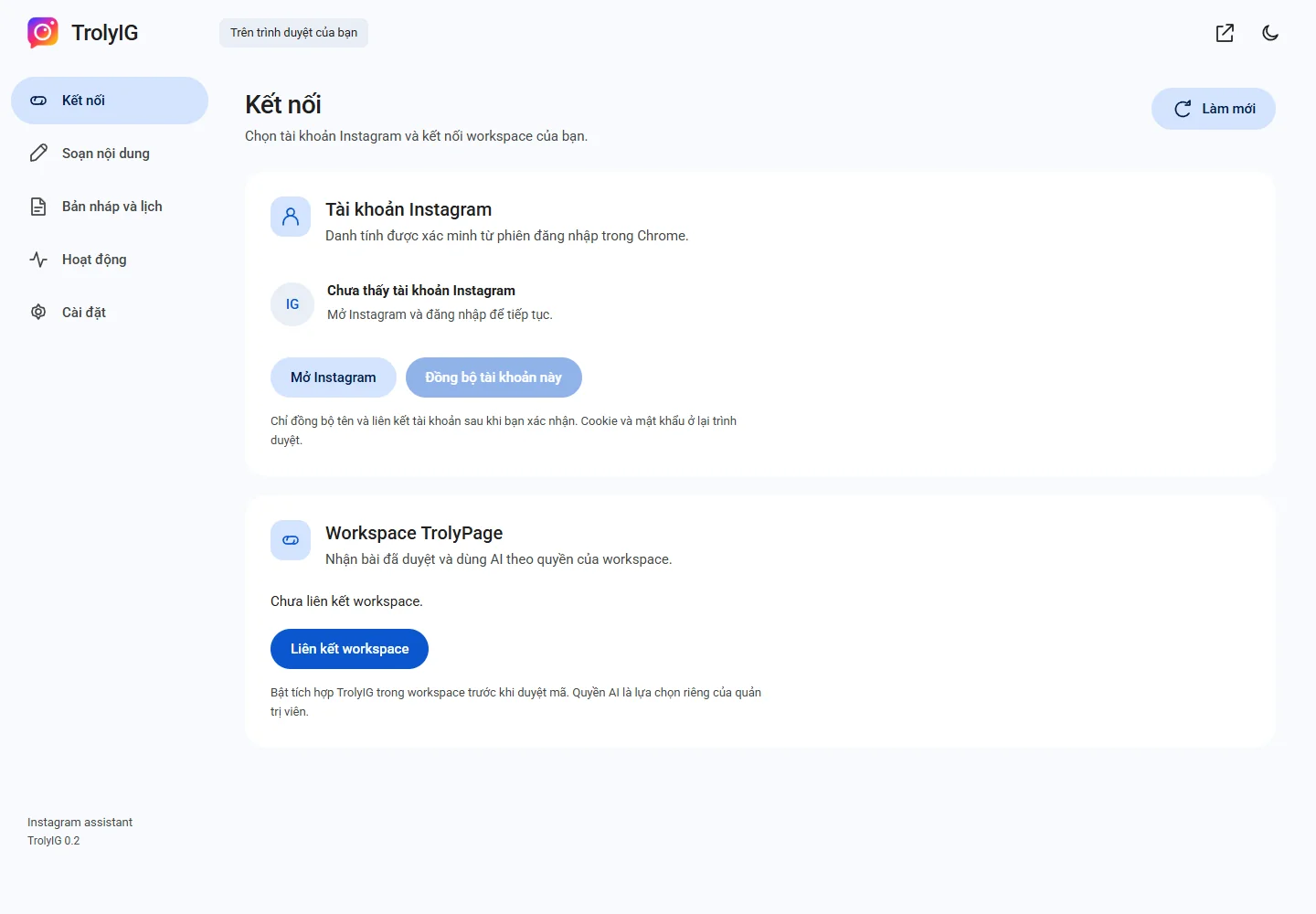
Click the icon, choose Mở TrolyIG and use Mở Instagram to sign in. You should see Kết nối, Soạn nội dung and Bản nháp và lịch.