Start with one image and a short caption to learn the workflow. Saving a draft is a clear stopping point before deciding to test real publication.
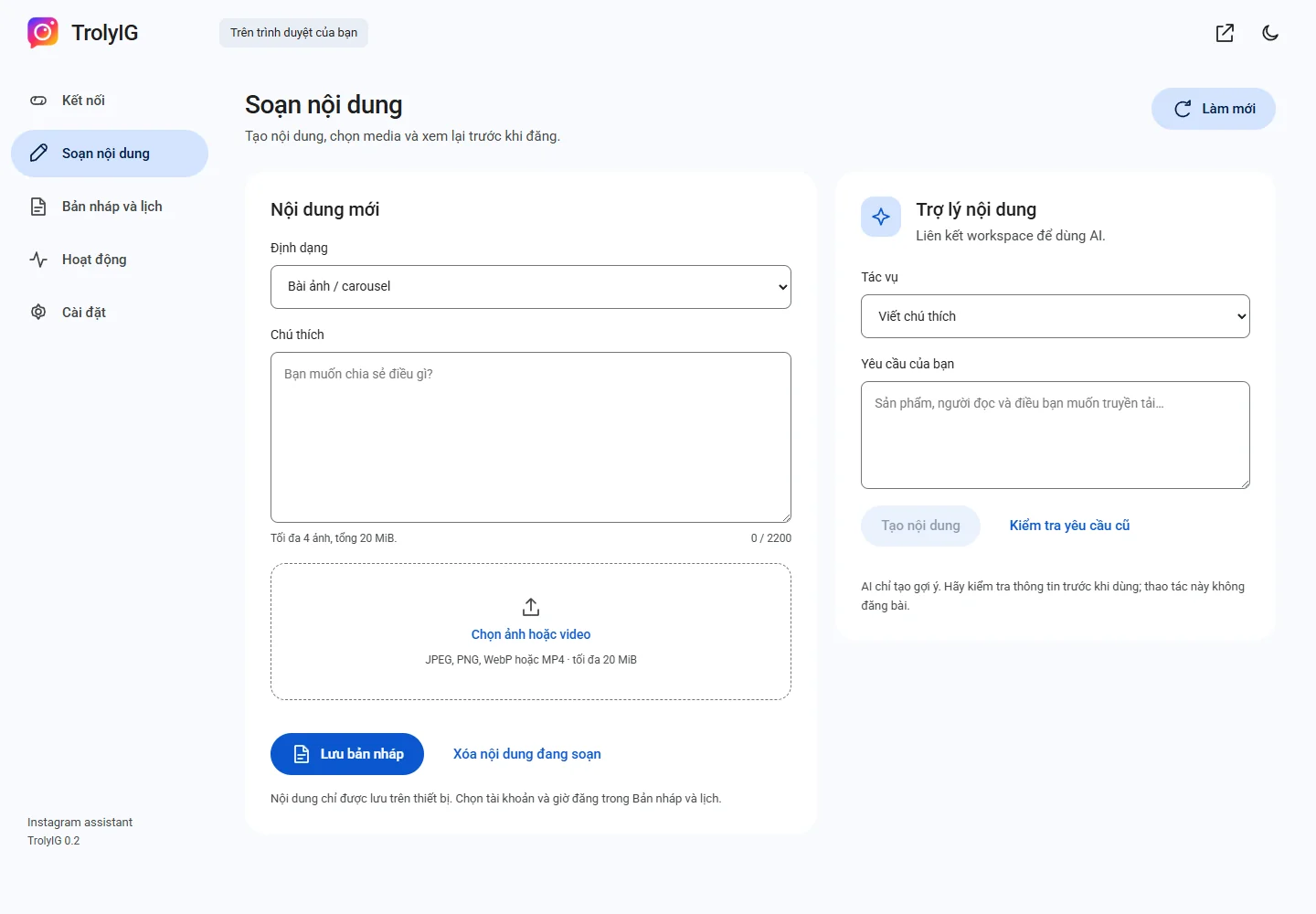
Confirm the account
Sign in to the intended Instagram account. In TrolyIG Kết nối, choose Làm mới and read the displayed account.
Compose a simple post
Open Soạn nội dung, choose Bài ảnh / carousel, add one suitable image and write a short caption with verified details.
Save and preview
Choose Lưu bản nháp. In Bản nháp và lịch, open Xem trước and check text, image and account.
Test only after a deliberate decision
For an authorized trial, choose Đăng ngay, review the dialog and explicitly confirm. Then check the Instagram result.