An open profile page does not establish which account is signed in. Use the identity TrolyIG verifies and stop if the displayed account is not the one intended.
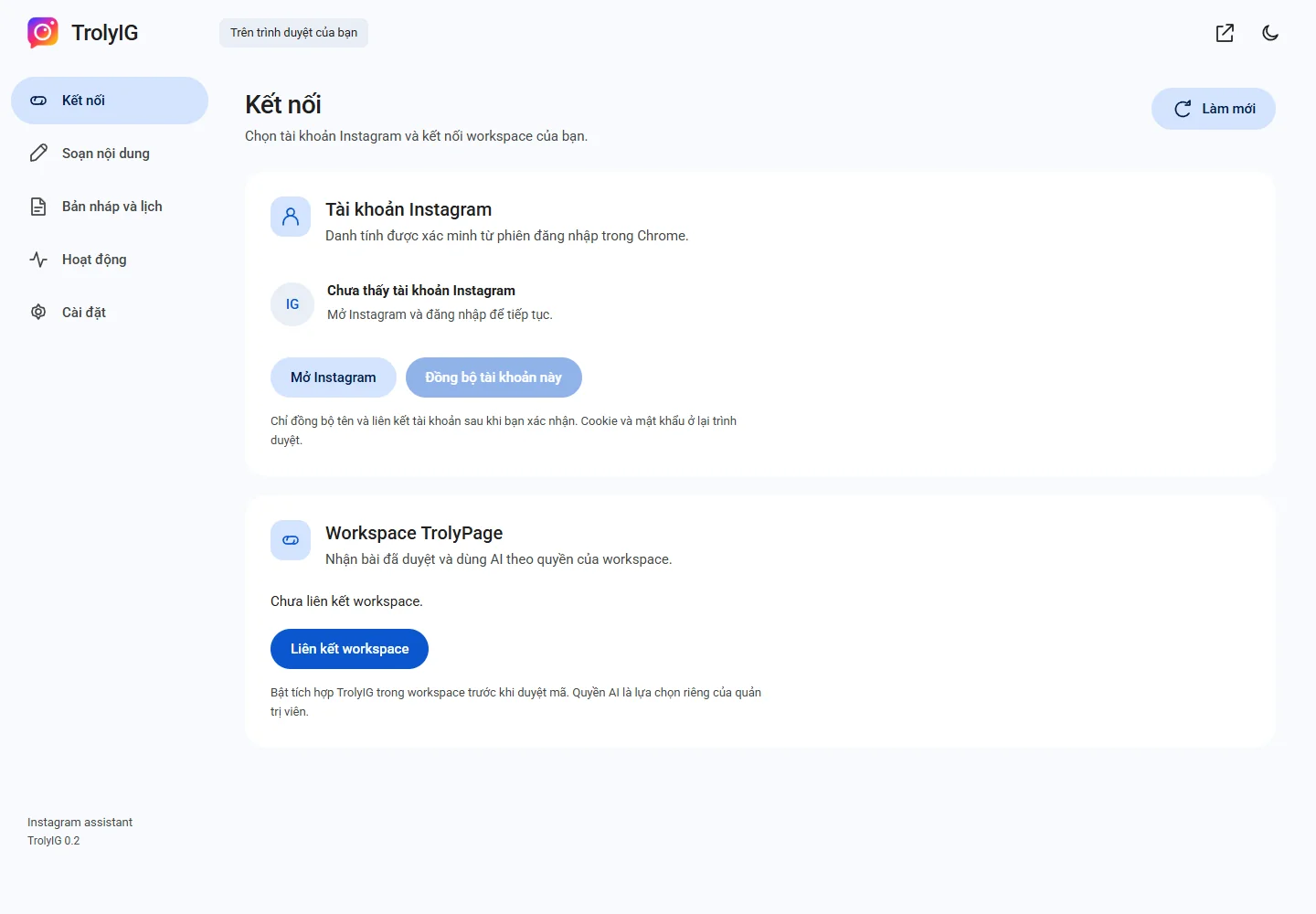
Open the intended session
Use Mở Instagram and check the account on the website. Return to Kết nối and choose Làm mới.
Read the name and link
Compare the displayed account and profile link with your intended account. Do not schedule or publish while identity is unconfirmed.
Sync only with consent
After pairing a workspace, choose Đồng bộ tài khoản này and confirm the scope. Recheck before syncing if accounts change.
Review earlier schedules
An earlier confirmation is not permission for a different account. Review the drafts and schedules you still need.