The controls distinguish work that has not started from work that may have reached Instagram. They do not change platform permissions or limits.
Confirm the version about to run
Before scheduling or publishing now, review content, media and account in the dialog. Stop if the identity has changed.
Pause or cancel at the right stage
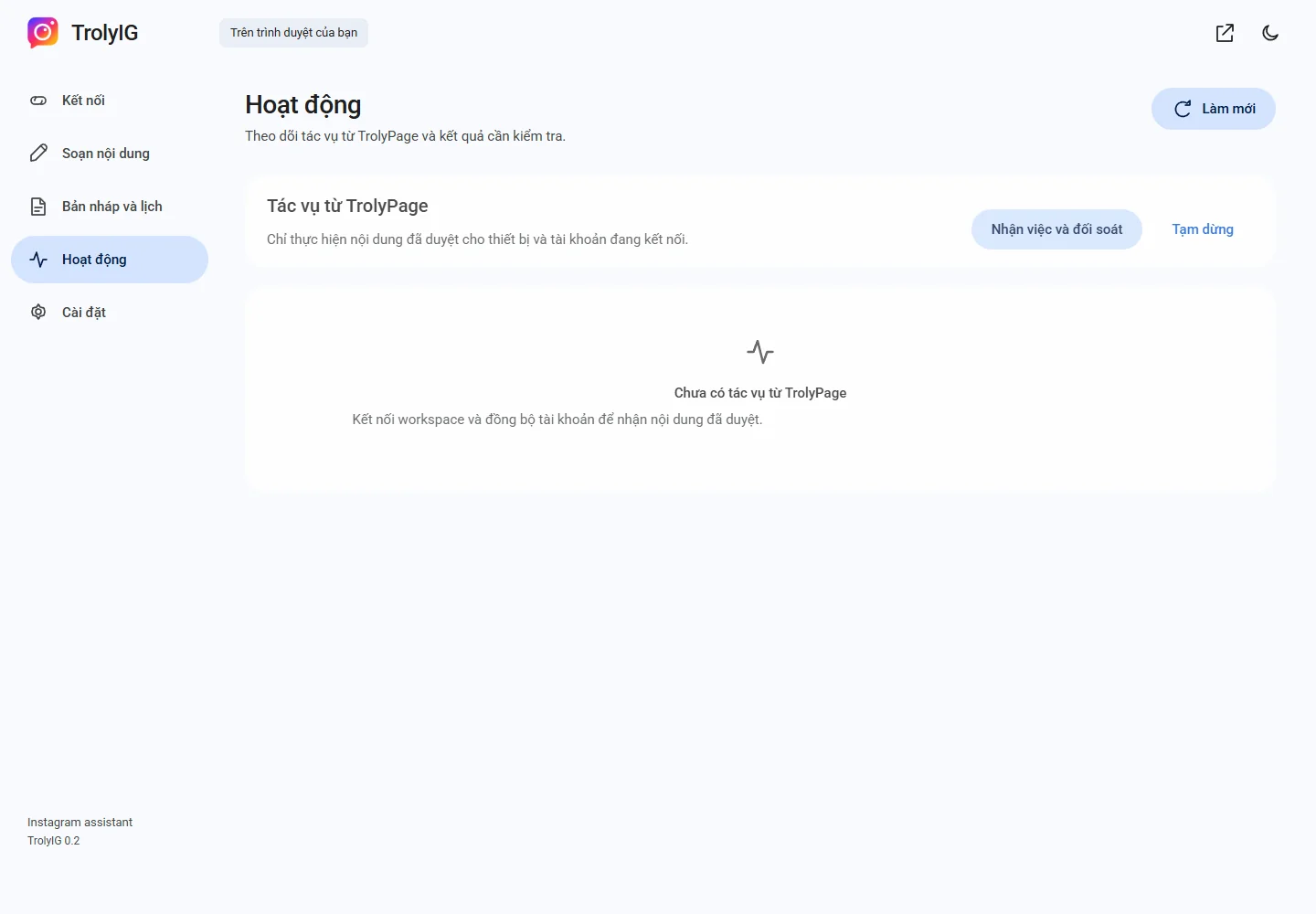
Use Tạm dừng to stop new work. For a waiting local schedule, choose Hủy lịch to return it to a draft.
Check if sending already started
If a send has an uncertain outcome, inspect Instagram and reconcile it. Pausing cannot withdraw a post already received by the platform.