You need appropriate administrator access and the updated TrolyPage backend. If the environment is not ready, you can still prepare local drafts.
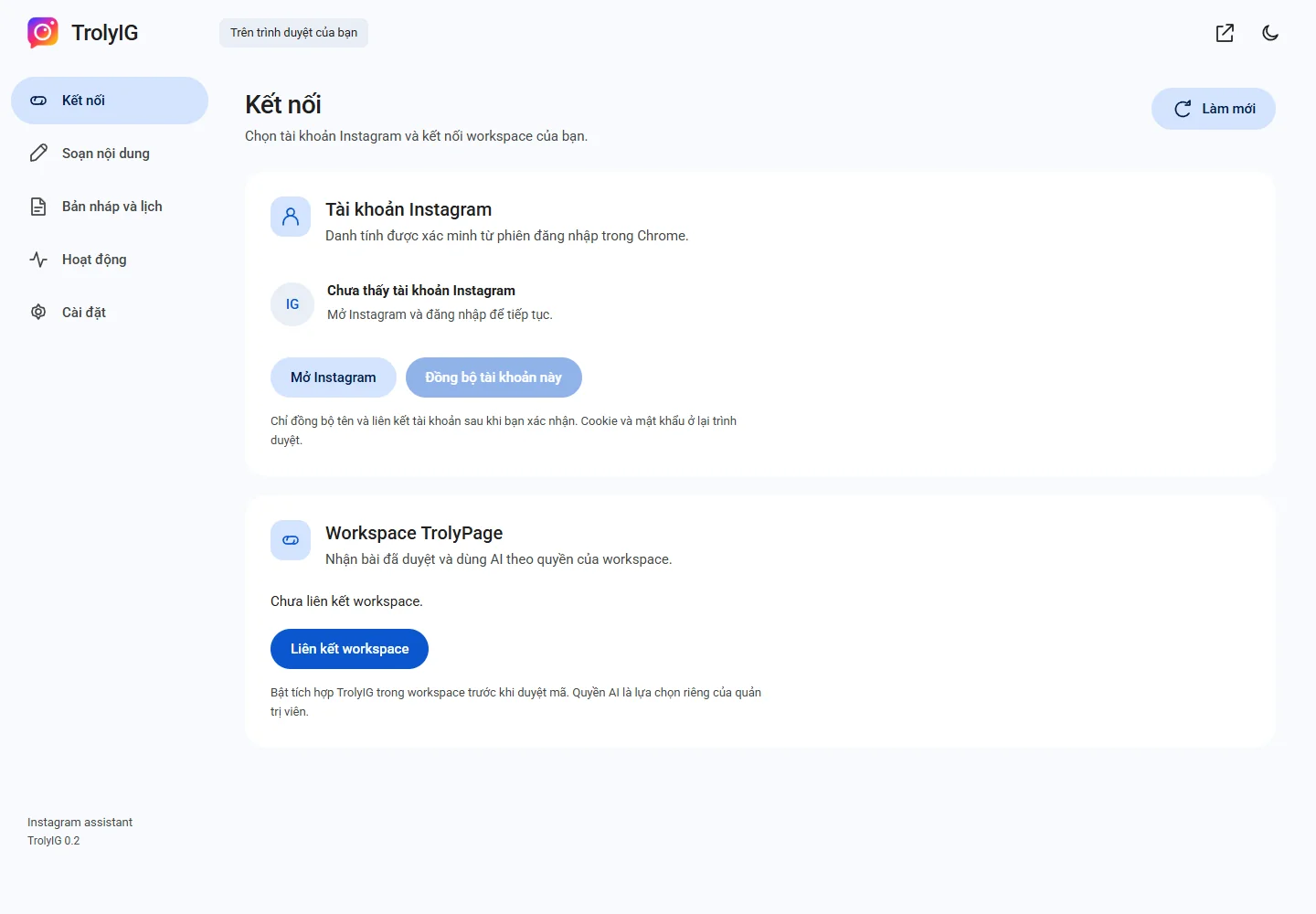
Open the right integration
In the workspace, open Integrations and choose TrolyIG. Check the workspace and enable it if authorized.
Create a device code
Open Kết nối and choose Liên kết workspace. Use the confirmation page opened by the extension while the code remains valid.
Approve workspace and permissions
Review the device, workspace and separate AI permission before approval. Return to TrolyIG and refresh.
Confirm the account
Check the displayed identity and choose Đồng bộ tài khoản này. For a workflow test, prepare approved Social Posts content and select the linked account.