You can compose and keep local schedules before connecting. A workspace adds a shared place to approve content, manage devices and track team work.
Enable the integration
An administrator opens TrolyIG in Integrations, checks the workspace and enables it once the updated backend is available.
Pair and approve the device
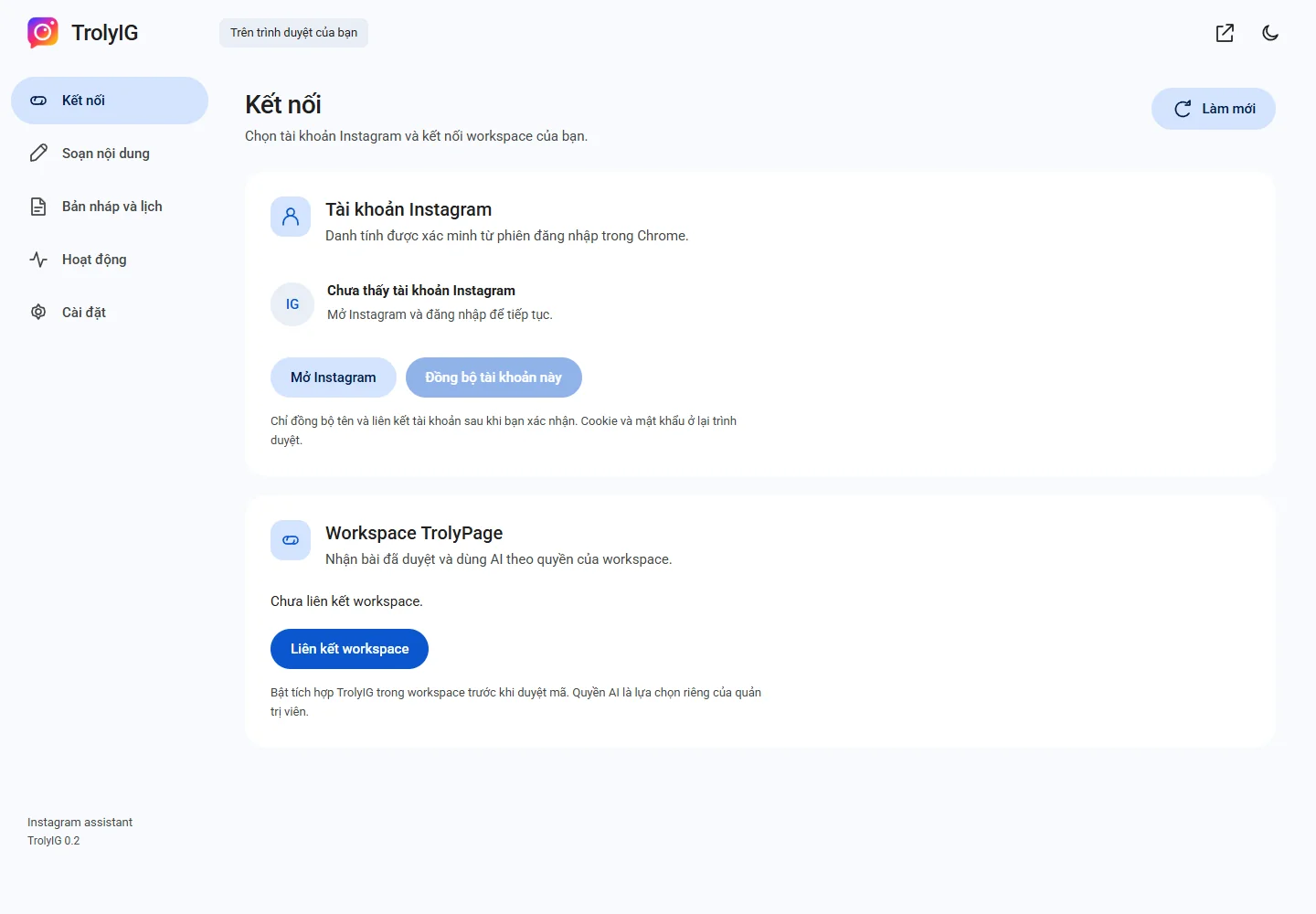
Choose Liên kết workspace. Open the confirmation page, check device and workspace and approve the unexpired code.
Confirm identity and permissions
Return to Kết nối, check the Instagram account and choose Đồng bộ tài khoản này. AI permission is a separate device choice.
Use Social Posts
Prepare and approve content in TrolyPage, select the linked account and track the result. The computer and Chrome still need to be available.