A copy gives you control before removing the extension or changing browser profiles. It contains your content, so store it somewhere you control.
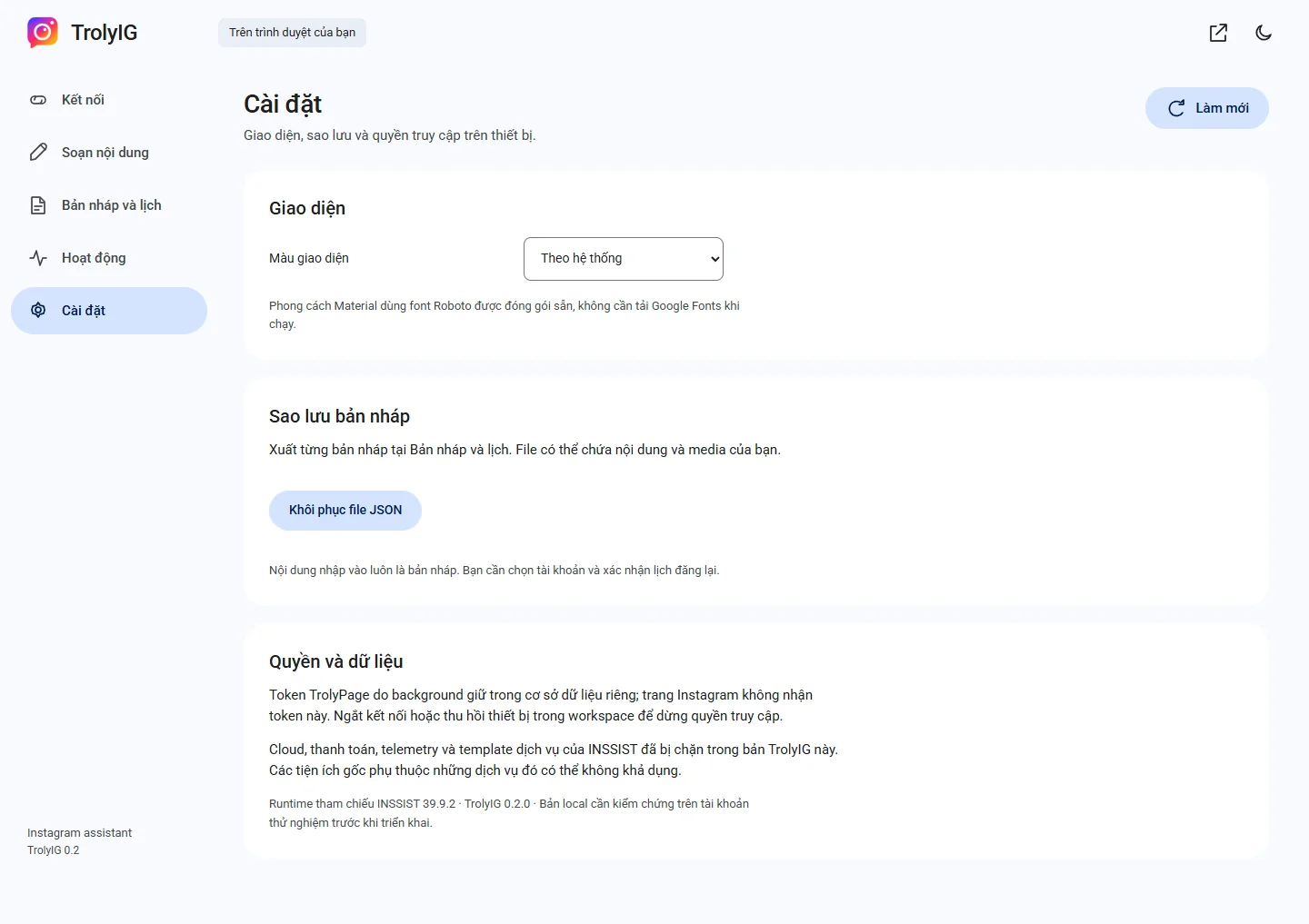
Export the draft you need
Open Bản nháp và lịch and choose Xuất JSON on a draft you can access. Confirm the file was saved before changing your setup.
Import in Settings
In Cài đặt, choose Khôi phục file JSON and select the TrolyIG backup. It becomes an unscheduled draft.
Review before using it
Preview text and media, choose the current account and confirm a new schedule if needed. Old schedule or permission fields do not become active.