Start with the actual status and the task you were trying to complete. Avoid resetting history or creating a duplicate before you know what happened.
Before you begin
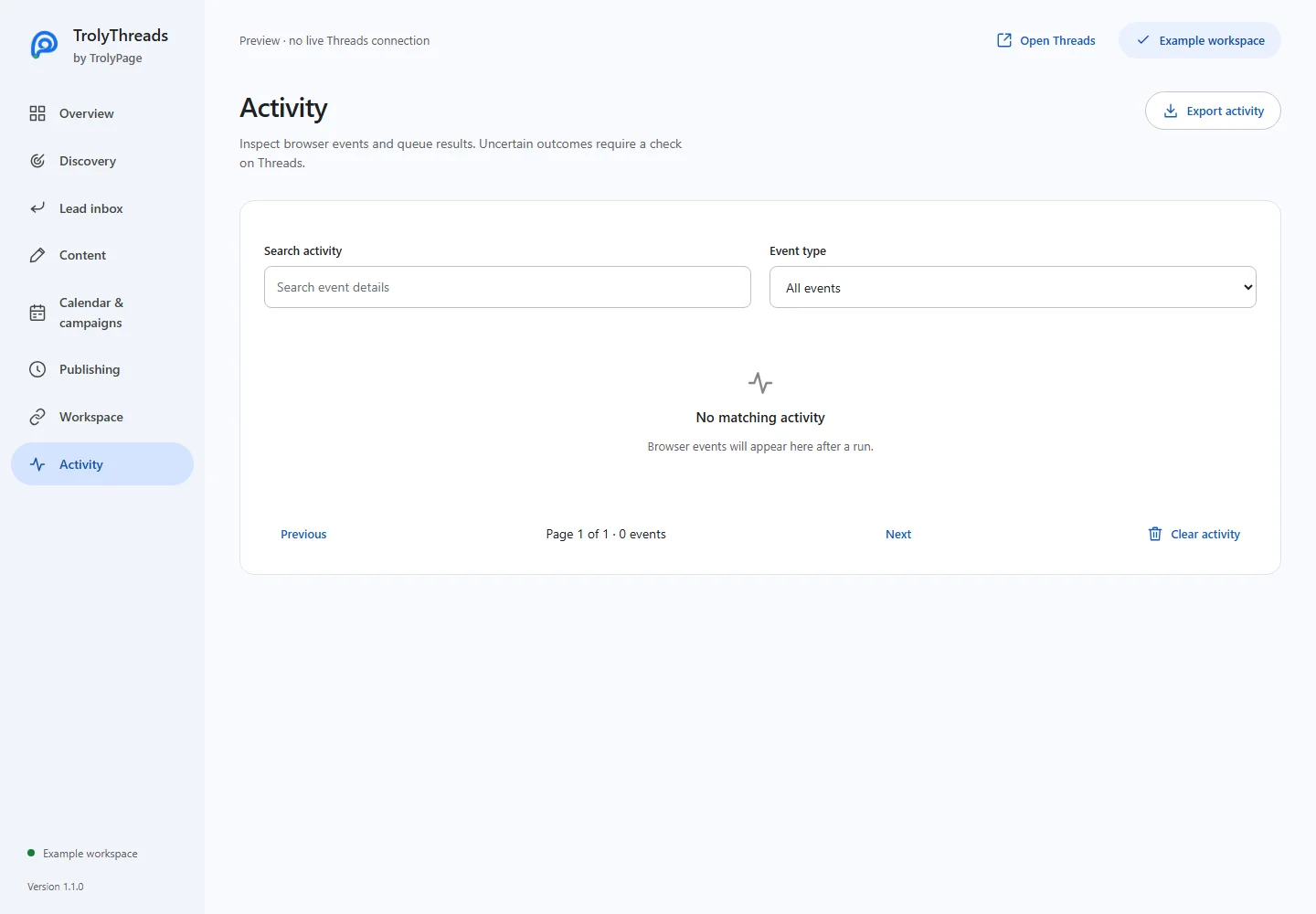
Note the extension version, Threads handle, affected job and time. Check Activity and the calendar outcome. An error before sending, a missed job and a potentially sent unknown job need different recovery steps.
The extension or panel does not load
Extract the ZIP and select the folder containing manifest.json in Load unpacked. After updates, Reload the extension and refresh existing Threads tabs. Disable a competing tool and use the desktop page at least 1,000px wide.
No conversations are collected
Confirm that the selected feed/search has actually loaded matching posts. Check keywords and optional location labels; missing labels are excluded when a location filter is active. Review only should be on for collection without engagement.
A scheduled post is waiting or missed
Confirm Chrome is open, the reviewed Threads handle is signed in and its tab is idle. Check the browser timezone and whether the queue/campaign is paused. A job over two hours late is missed and needs a newly reviewed schedule.
Workspace or AI controls are unavailable
Refresh the connection, check the selected workspace and its device permissions. Older devices need re-linking for a new publishing grant. Workspace AI also requires its normal allowance; a pending AI request should be checked by identity instead of generated twice.
The result is unknown or media failed
Inspect the real profile before another send. The workflow does not silently drop a failed image and publish the text as if it were the approved media post. Workspace uncertain results must be reconciled through TrolyPage, not local outcome buttons.
Keep a useful diagnostic record
Export diagnostics for version, browser and queue state without device tokens or private post bodies. Activity exports and conversation backups contain different data; share those only when their content is needed for the investigation.