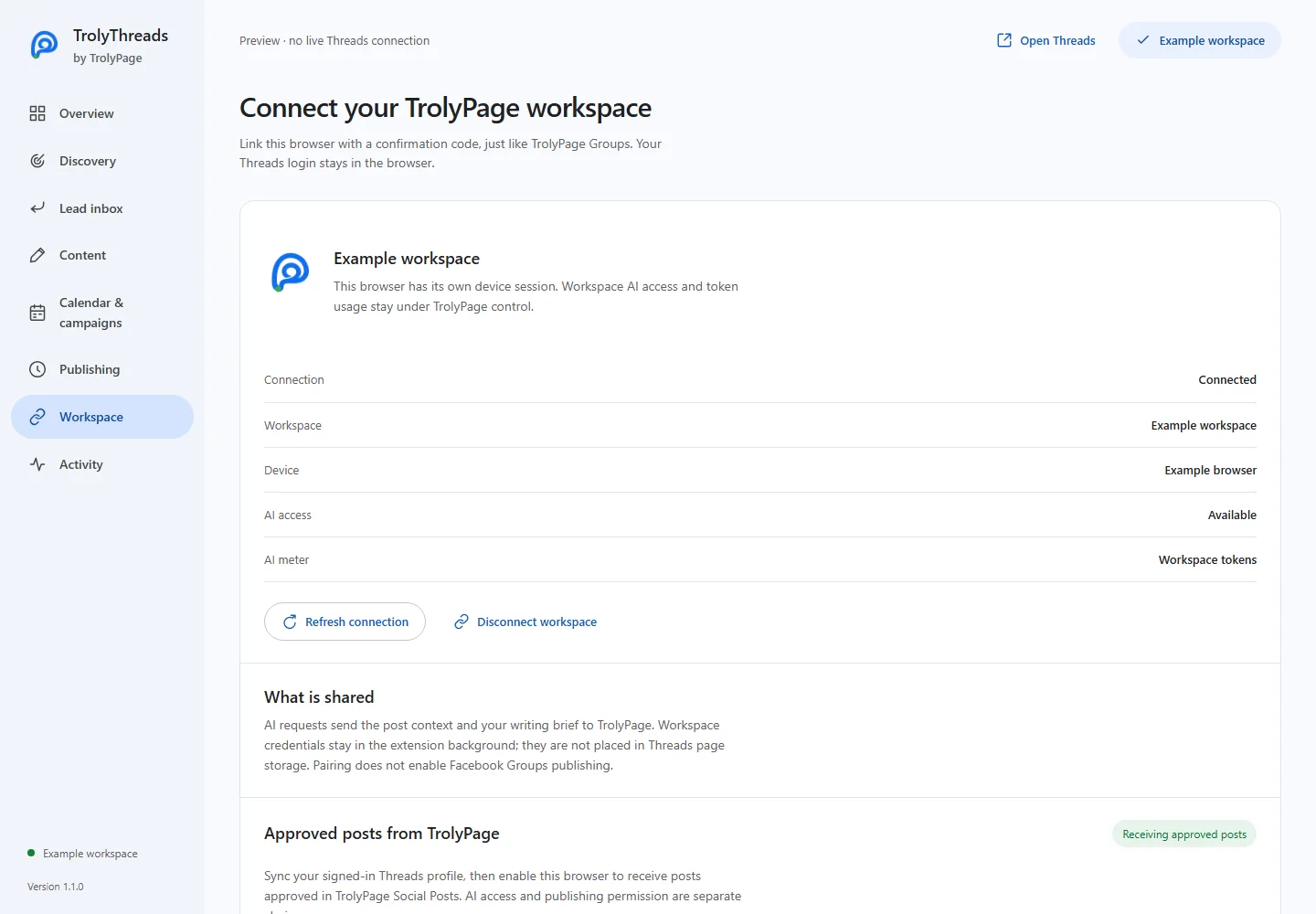
A browser can prepare its own content without pairing. A TrolyPage connection adds workspace AI and approved Social Posts delivery when the required permissions are explicitly granted.
Confirm the browser and workspace
Connect TrolyPage opens a confirmation code protected by PKCE. In TrolyPage, check the device and selected workspace before approval. Your Threads login remains in its browser session.
Choose AI and publishing separately
AI access uses workspace tokens. Publishing permission allows profile sync and approved delivery. An older device does not gain the new publishing permission on refresh; disconnect and re-link when a different grant is required.
Review the actual Threads handle
Open Threads signed in to the intended profile. In Workspace, enter the observed handle, give sync consent and use Review & sync profile. Enable approved posts separately. Changing the profile revision invalidates outdated approved deliveries.