You need desktop Chrome, the release ZIP and a folder you intend to keep. The extension operates the desktop Threads interface; widen its tab to at least 1,000px.
Before you begin
Keep your own Threads login available. If another extension automates the same tab, disable it before running TrolyThreads. You do not need a workspace merely to prepare content or collect conversations.
Extract the archive
Download the release and extract all files. Open the extracted folder and locate manifest.json. If the archive created an extra outer folder, choose the inner folder containing the manifest in the next step.
Load the manifest folder
Open chrome://extensions, enable Developer mode and choose Load unpacked. Select the extracted manifest folder. Chrome loads files from that location, so do not delete or move it immediately after installation.
Refresh Threads and open the workspace
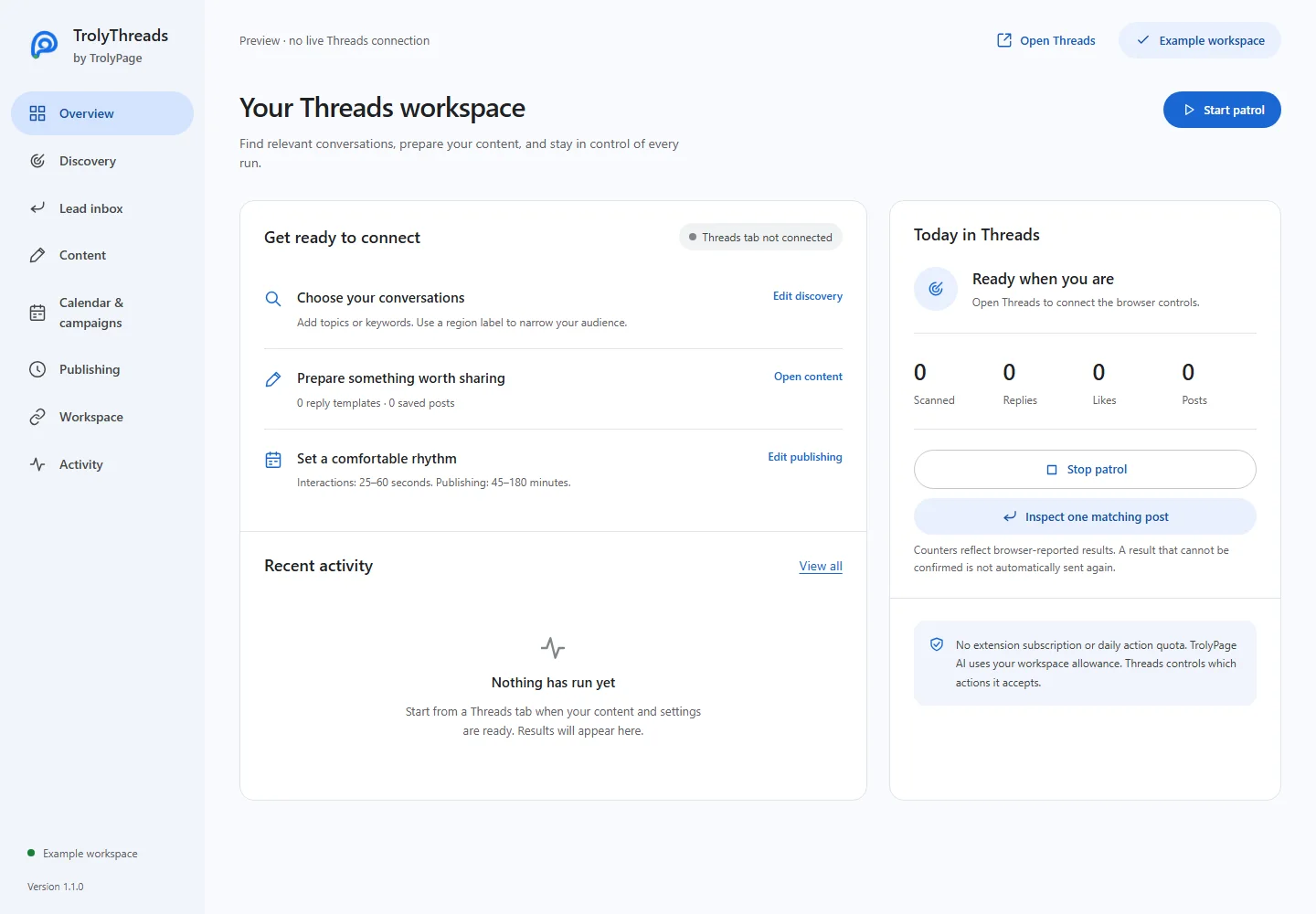
Refresh existing Threads tabs so the content scripts can attach. Open the TrolyThreads extension workspace and check Overview. Start with Review only discovery or prepare a library post; save changed settings before running.
Update the same folder
For a later release, replace files in the same extension folder. Click Reload on chrome://extensions, then refresh Threads. Review the settings and signed-in profile before starting new work.
If Chrome cannot load it
Check that the ZIP has been extracted and manifest.json is at the selected folder root. Read the extension error details and re-download a damaged archive. If controls do not appear after a successful load, refresh the Threads tab.