Unknown means a possible submission could not be confirmed with enough evidence. It is not the same as a known failure before sending.
Before you begin
Stop a run that you do not want to continue and read the affected job’s account, text, media and timestamp. Keep those details while you check the original Threads profile.
Identify who owns the job
A browser schedule is managed in Calendar & campaigns. An approved Social Posts delivery is owned by TrolyPage and shows Manage in TrolyPage. Do not use a local backup or a fresh library job to bypass a held workspace delivery.
Inspect the matching Threads profile
Open View profile or the relevant original post. Compare the actual text/media and account with the affected job. Check around the attempted time. Absence of an immediate success message in the extension does not prove the post is absent.
Resolve a browser job after checking
For a browser job marked unknown, choose Check & resolve. Confirm published only if you verified the post, or not published only after the appropriate check. This records your check; it does not publish or retry anything.
Reconcile an approved delivery in TrolyPage
Open Manage in TrolyPage and use the workspace delivery-management controls for the affected target. Supply the actual account-bound permalink when confirming publication, or explicitly confirm the verified absent outcome where that workflow allows it. The workspace owns release of its actor hold.
Resume future work deliberately
After the outcome is settled, review any next job and the current account. Resume the queue separately if Stop paused it. A replacement schedule always needs a new review; a status change must not create an automatic resend.
If the outcome is still unclear
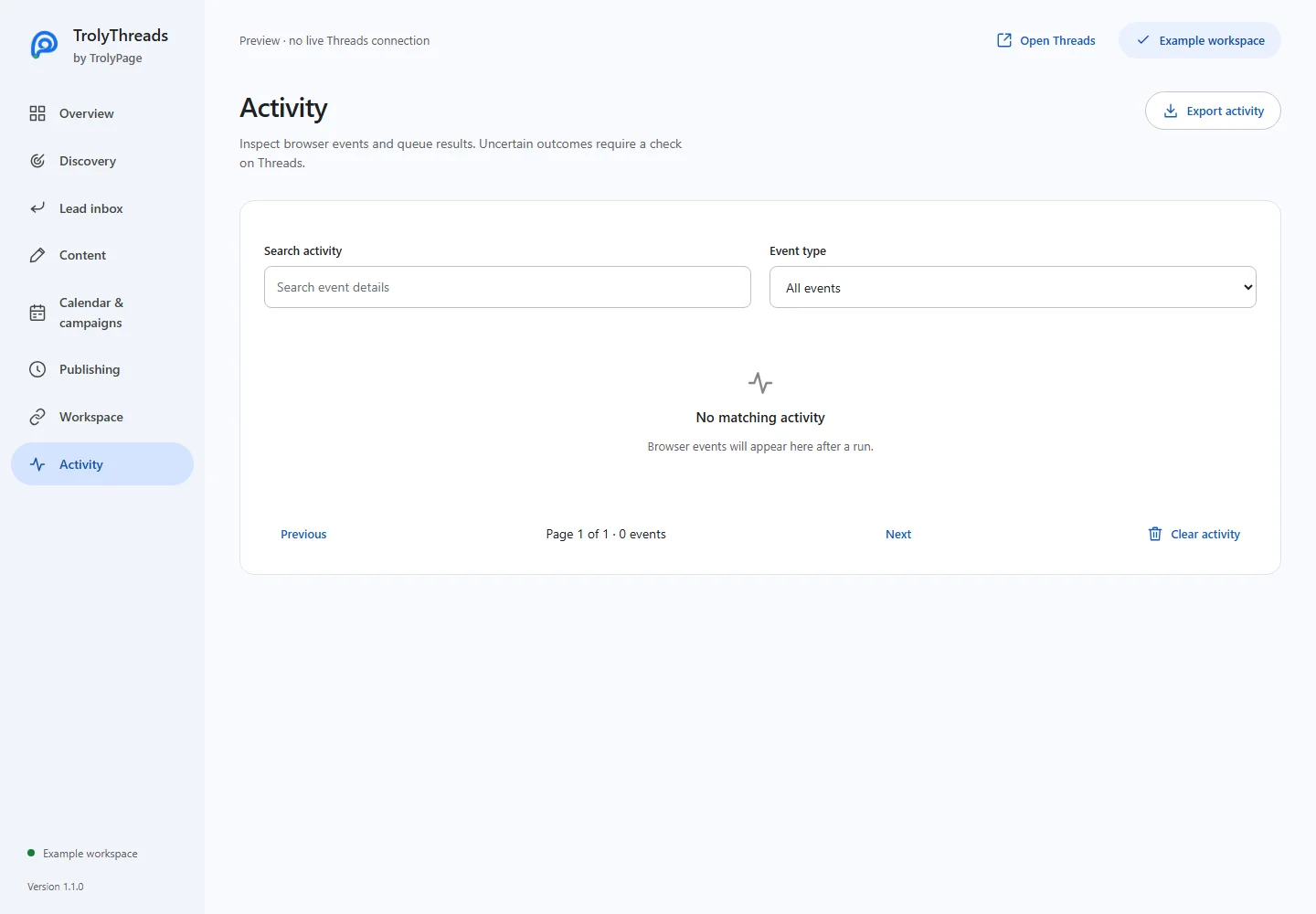
Leave it held and preserve the evidence. Export diagnostics or activity to investigate the connection. A conservative unresolved result is more useful than a green success label or a duplicate post unsupported by evidence.