The release is installed as an unpacked extension. Extract the ZIP first; selecting the archive itself is not an installation.
Download and extract the release
Download the ZIP from this page and extract it to a folder you intend to keep. The version and SHA-256 shown here identify the provided archive. The selected folder must contain manifest.json.
Load the extracted extension
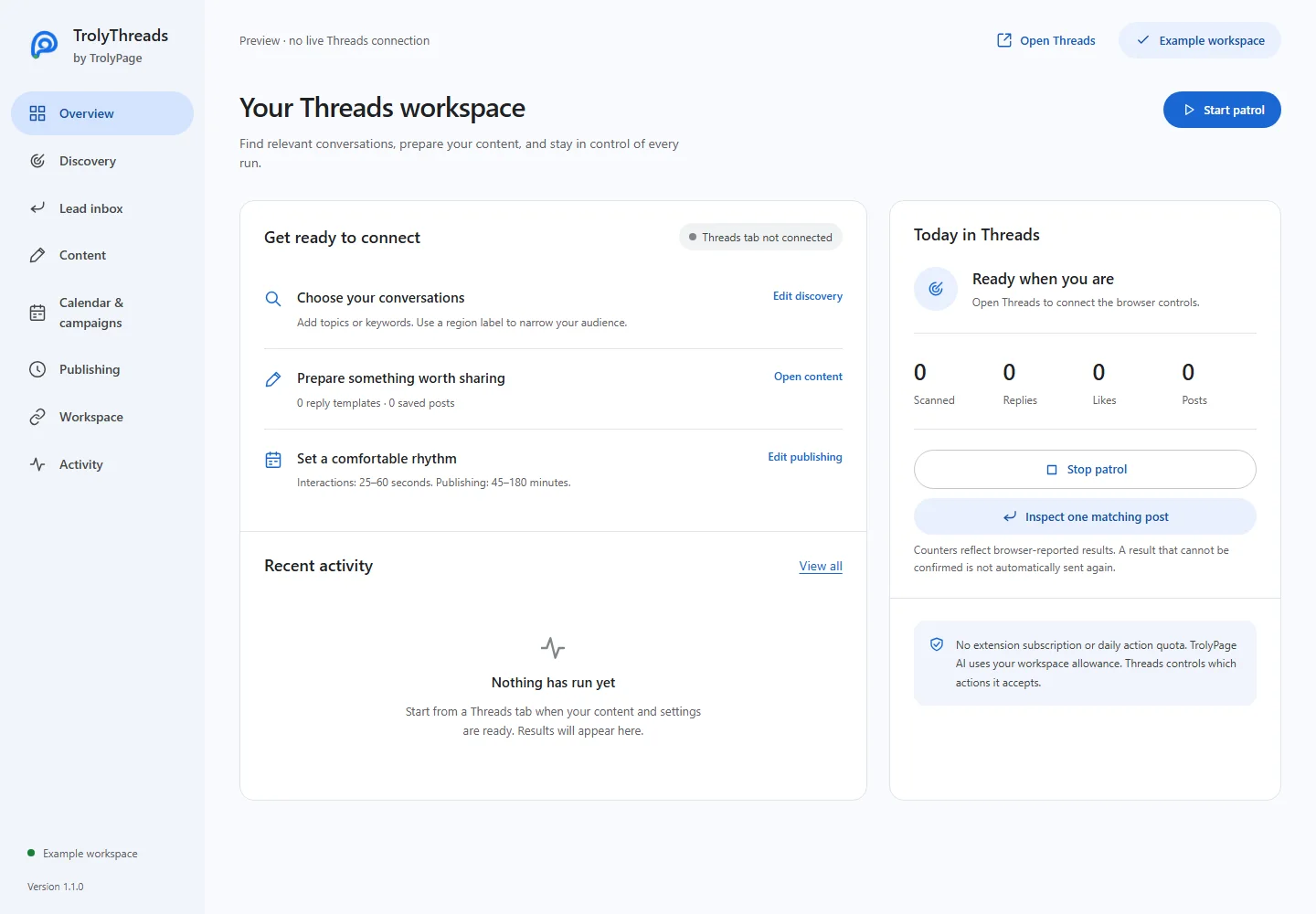
Open chrome://extensions, enable Developer mode and choose Load unpacked. Select the manifest folder. Disable another extension that would automate the same Threads tab, then refresh Threads and open the TrolyThreads workspace.
Update without changing the installation path
Replace the files in the same folder, click Reload on chrome://extensions and refresh existing Threads tabs. Review your saved settings before starting. Use the desktop Threads layout at least 1,000px wide.