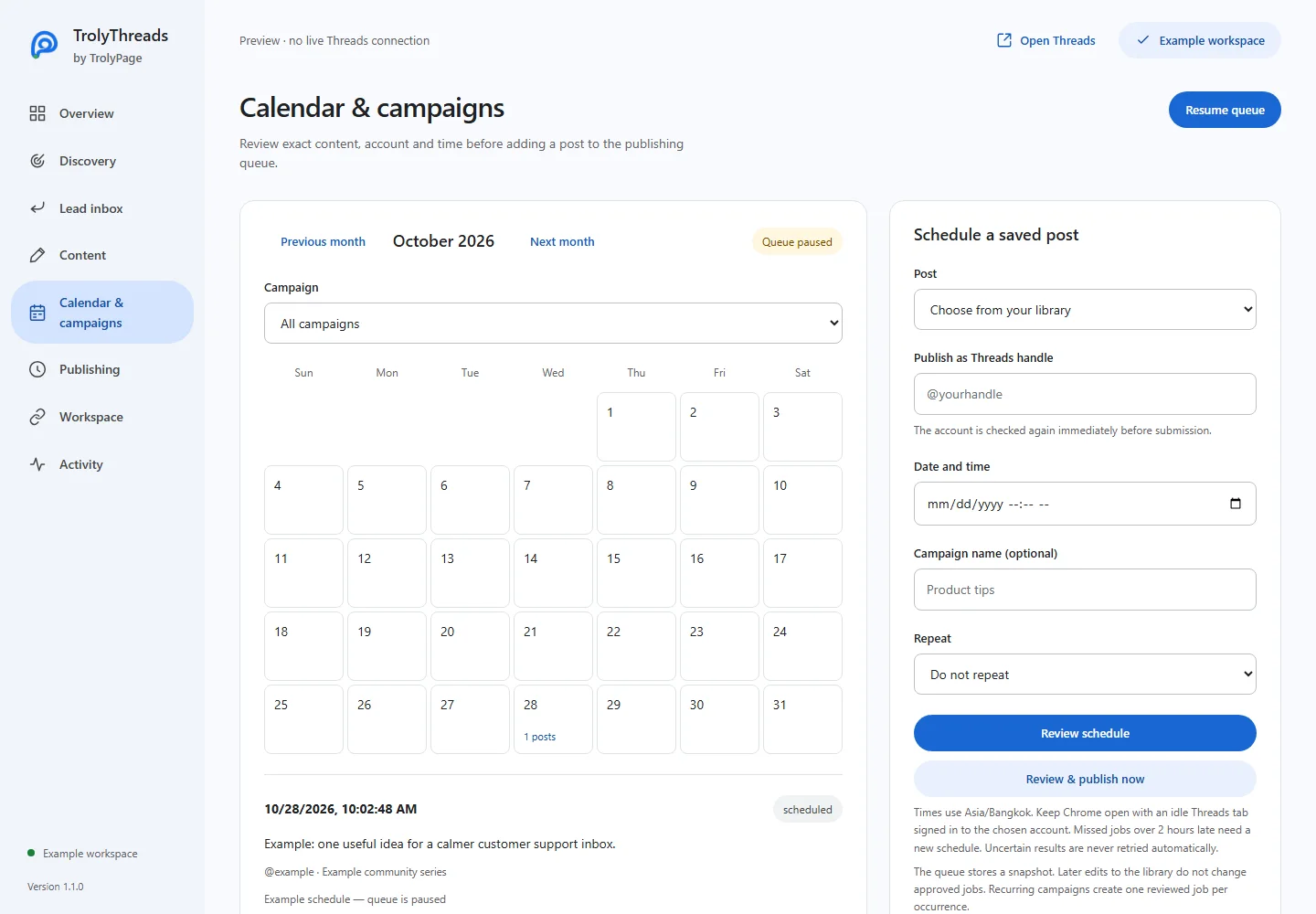
A campaign groups reviewed occurrences under a name. It is a finite set of jobs through your chosen end date, not an unrestricted multi-step automation recipe.
Before you begin
Prepare the saved post, confirm the publishing handle and check the browser timezone. Every occurrence uses the content approved now, even if you later edit that library entry.
Name the set you want to manage
In Calendar & campaigns, select the post, account and first date/time. Enter a campaign name that will help you recognize the set later. Avoid merging unrelated work under a generic name.
Choose the recurrence and last date
Select Daily, Weekly or Monthly, then the last occurrence date. Monthly scheduling clamps missing dates to that month’s last day and returns to the original day afterward. Shorten a range that is too large to review in one batch.
Review the whole approved set
Click Review schedule. Check the first/last dates, occurrence count, handle, text and media. Approve only when this exact set is intended. The month grid and agenda show the resulting dated jobs.
Pause the campaign or the whole queue
Campaign controls pause/resume pending occurrences in that named campaign. Pause queue pauses future queue work more broadly. Stop reaches connected Threads tabs and pauses the dated queue; resume that queue explicitly when ready.
Change the plan without changing history
Cancel eligible pending browser jobs and approve replacements when content or dates change. Keep known published results as history. Resolve unknown outcomes on the real profile before creating another occurrence for that actor.