Begin with a short text post while Chrome and the intended Threads profile are available. The calendar path does not require enabling ongoing interval publishing.
Before you begin
Confirm the account in the Threads desktop navigation. This basic workflow needs a nonempty text body of up to 500 characters and supports one optional image/video. Use a simple first post so you can inspect each step.
Write a saved post
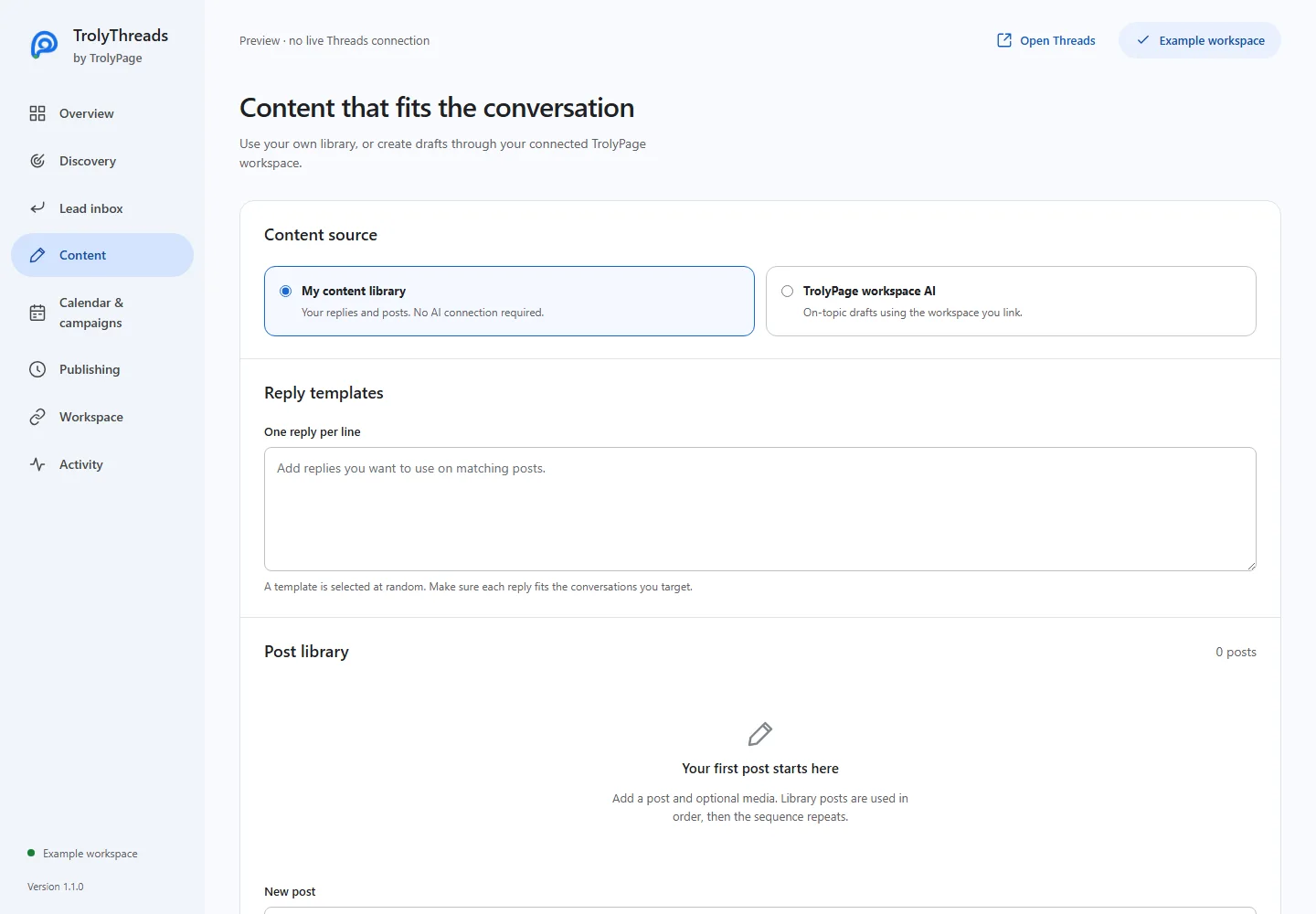
Open Content and choose My content library. Enter New post, attach media if needed and click Add to library. Read the saved entry and use Save changes to commit your library.
Choose the post and account
Open Calendar & campaigns. Choose the saved post and enter the Threads handle that will publish it. The signed-in tab must match; the handle is checked again before final submission.
Review before publishing now
Click Review & publish now. Read the full text, media and account in the dialog. Cancel if anything is wrong. Approve publication only when you want a real Threads action. If the queue is paused, resume it deliberately.
Inspect the result
Keep the browser and matching idle Threads tab available. Read the calendar job and Activity, then open the actual profile. A missing or unknown result is not a reason to approve an immediate duplicate.
If the post needs attention
For unknown, use Check & resolve only after checking Threads. For a known failed or missed job, review the reason and create a new schedule if appropriate. Stop pauses future jobs and reaches connected tabs; it cannot undo a completed send.