Manual schedules run in the extension on your computer. Start with a simple one-time post before using repeating schedules or multi-step campaigns.
Step by step
Prepare the post and audience
In Compose, select the identity, reviewed content and suitable groups. If templates rotate, inspect every template and its media. Avoid scheduling facts that will only remain true today.
Choose the time and repeat
Use Schedule for Later and select the date and time shown by the interface. The extension supports one-time, daily, weekly and monthly schedules. Check your computer’s clock and how a timezone change affects the time you intend.
Review before saving
Check the next run, identity, groups and gaps. After saving, open the schedule list and confirm the entry has the expected state. Leave deliberately paused schedules paused until you choose to resume them.
Keep execution available
At execution time, keep the computer awake, online and the browser open with the correct Facebook session. A server does not take over when the machine is off. On return, check schedule state before posting a catch-up copy manually.
Use campaigns for a longer workflow
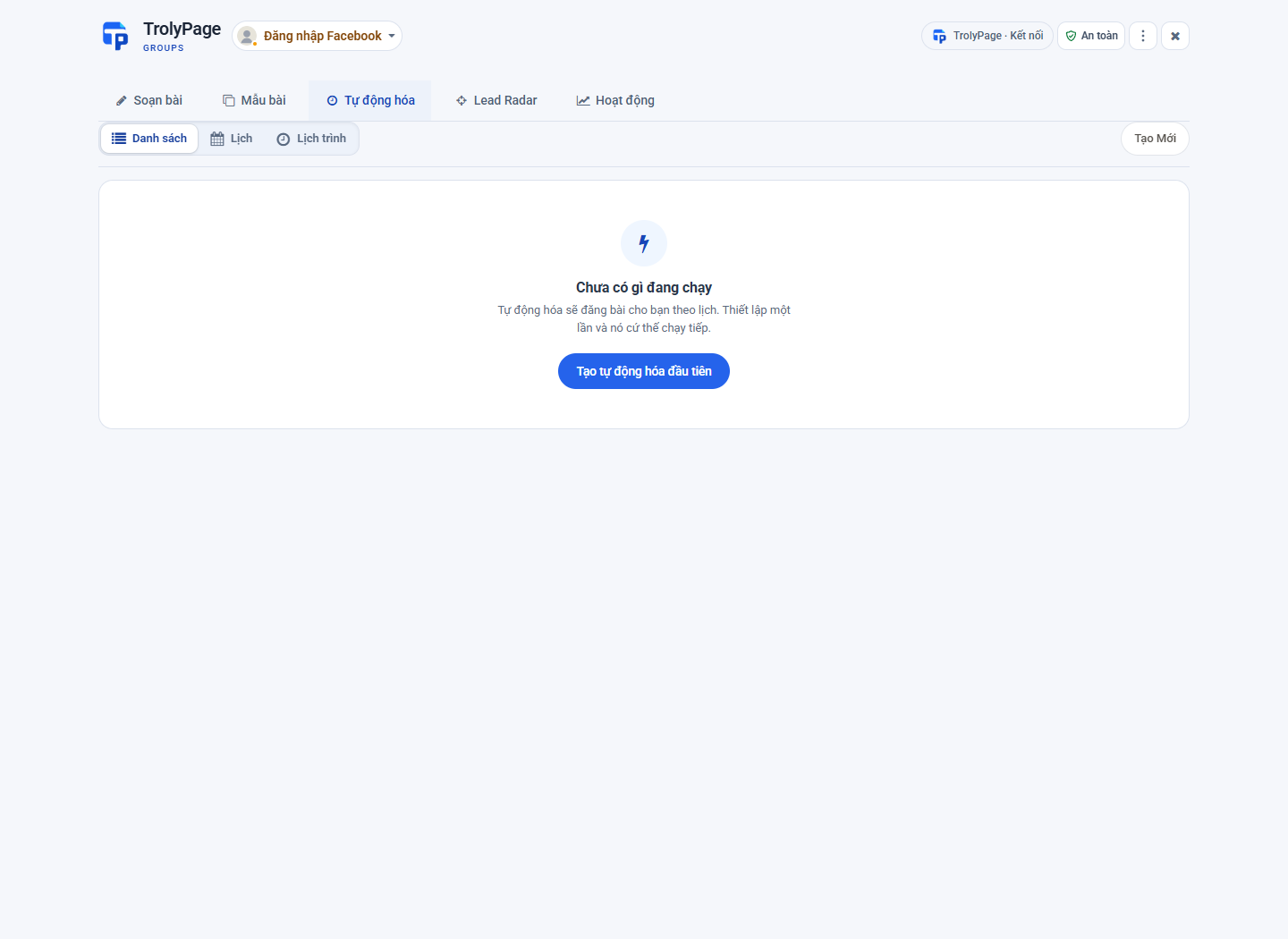
For several steps, inspect Trigger → Post → Wait → Loop → Stop in Automations. Review every step and loop condition, then inspect Activity after execution. Pause the plan when its information changes.
Before you begin
- An extension schedule and an approved Social Posts delivery are separate ways to prepare work. Check where a job was created to avoid duplicates.