Once or on a recurring schedule
Prepare announcements, regular updates or a content plan. Review the date, time and groups before saving the schedule.


An autonomous Marketing & Sales operating system for businesses that want AI-powered omni-channel growth.
Choose the display language for content and links.
Prepare content and groups first, then choose the time. Set up a simple schedule or a campaign with several steps inside the extension.
Choose your Facebook identity, a draft or saved template, and groups suited to your content.
Check your computer's time, pauses between actions and upcoming runs.
Approve each step before enabling it. Pause when your plans change.
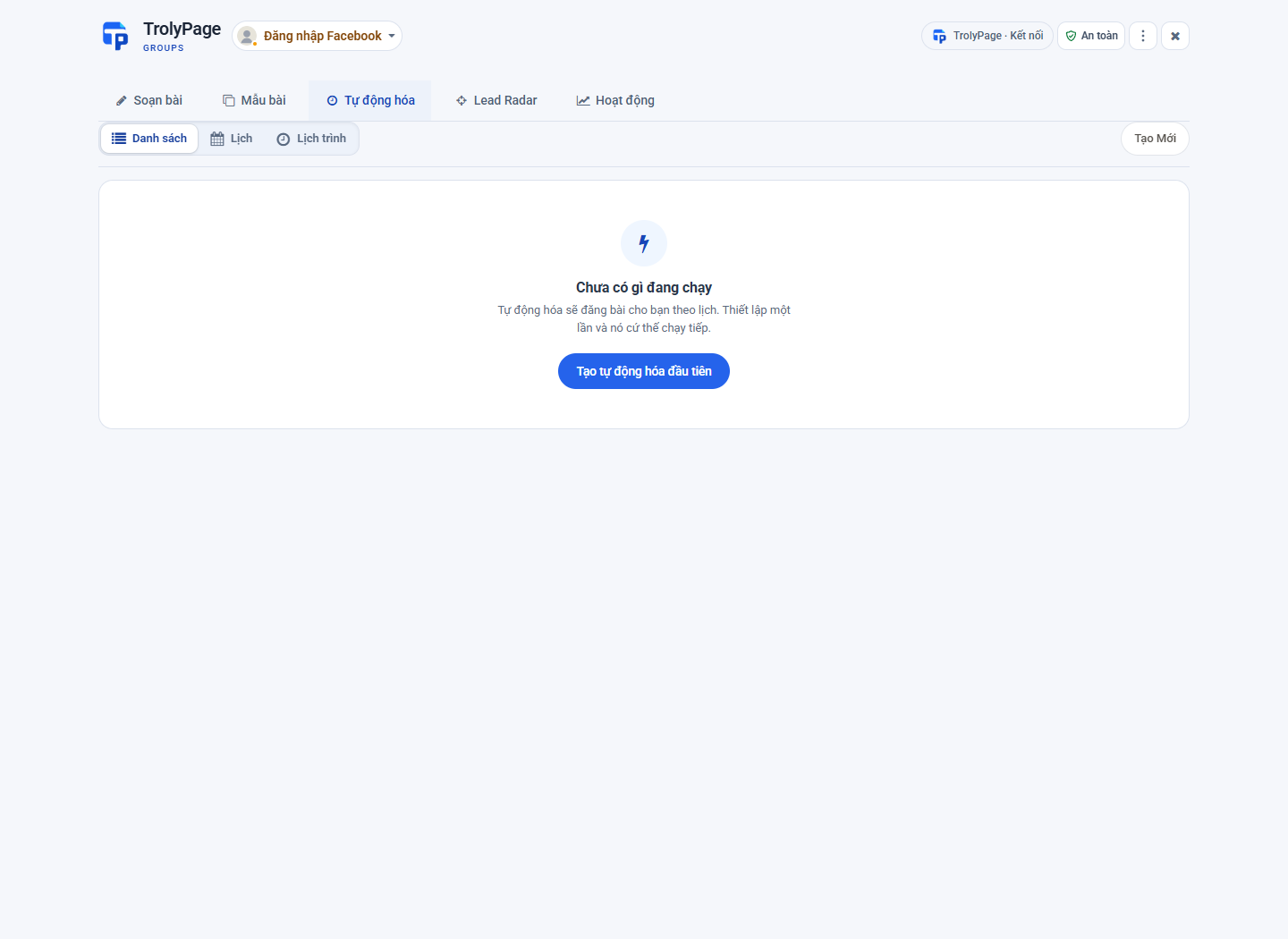
Prepare announcements, regular updates or a content plan. Review the date, time and groups before saving the schedule.
Check the start, publish, wait, repeat and stop steps. Pause or adjust when your work changes.
Your computer must be awake with the browser open and online when a schedule is due. Local extension schedules are separate from content planning in Social Posts.

TrolyFB. Part of your workspace and everyday work.