

Find a conversation. Read before replying.
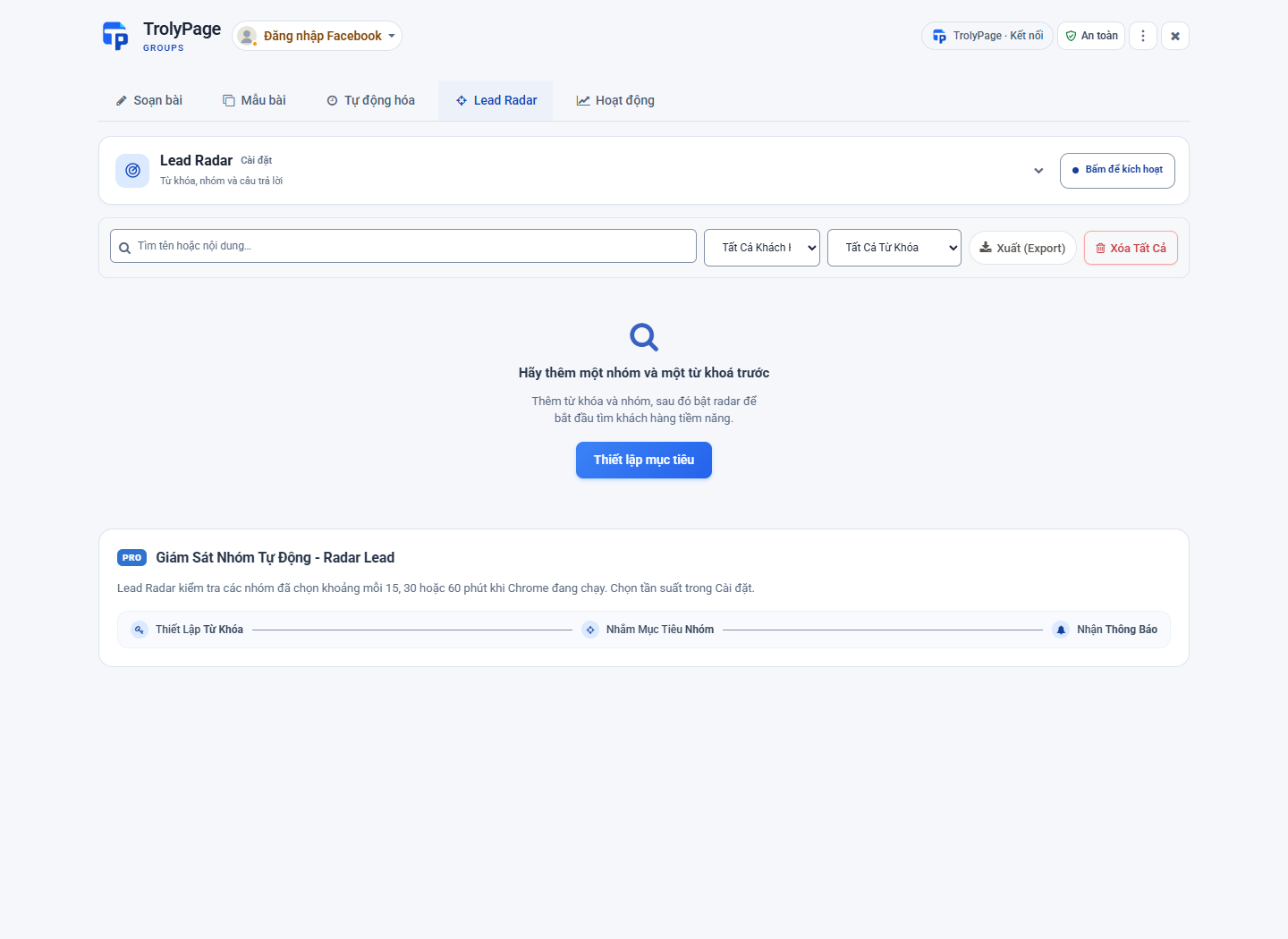
Lead Radar helps you track relevant phrases in selected groups. A match is a prompt to check the context.
A matching phrase.
A conversation to read.
- 1
Choose groups and keywords
Monitor groups you can access. Choose phrases connected to real customer needs.
- 2
Read the original post
Check the content, context and group rules before considering a reply.
- 3
Respond thoughtfully
Open the post on Facebook and decide whether to reply. A keyword match is not a verified customer.
A keyword match does not confirm that someone wants to buy. Read the original post and decide how to respond based on its context.
Choose signals
related to your work.
For example: “looking for a bakery”, “need handmade pottery” or a specific service name. Add excluded keywords to reduce irrelevant matches.
“Does any bakery nearby make sourdough?”
Keywords of interest: bakery, sourdough.
Next: open the original post, check the location and understand what the author is asking.

Write once.
Choose relevant communities.
TrolyFB. Part of your workspace and everyday work.