

TrolyPage

An autonomous Marketing & Sales operating system for businesses that want AI-powered omni-channel growth.

Contact Info

Follow Us

Skip to TrolyFB content

Your groups. Your familiar workspace.

Connect the extension to TrolyPage to sync selected groups, compose in Social Posts and use AI with the device's permissions.

Four steps.
One clear connection.

  1. 1

    Enable the TrolyFB integration

    Open Integrations in your workspace, enable TrolyFB and find the Facebook Groups channel.

  2. 2

    Confirm the device pairing code

    Generate a code in the extension. In TrolyPage, check the workspace and device, then confirm the code before it expires.

  3. 3

    Choose groups and approve the sync

    In the extension, select the groups to share with your workspace and confirm the scope of the sync.

  4. 4

    Compose in Social Posts

    Select the right channel, device and synced groups. Review the content before handing over the publishing task.

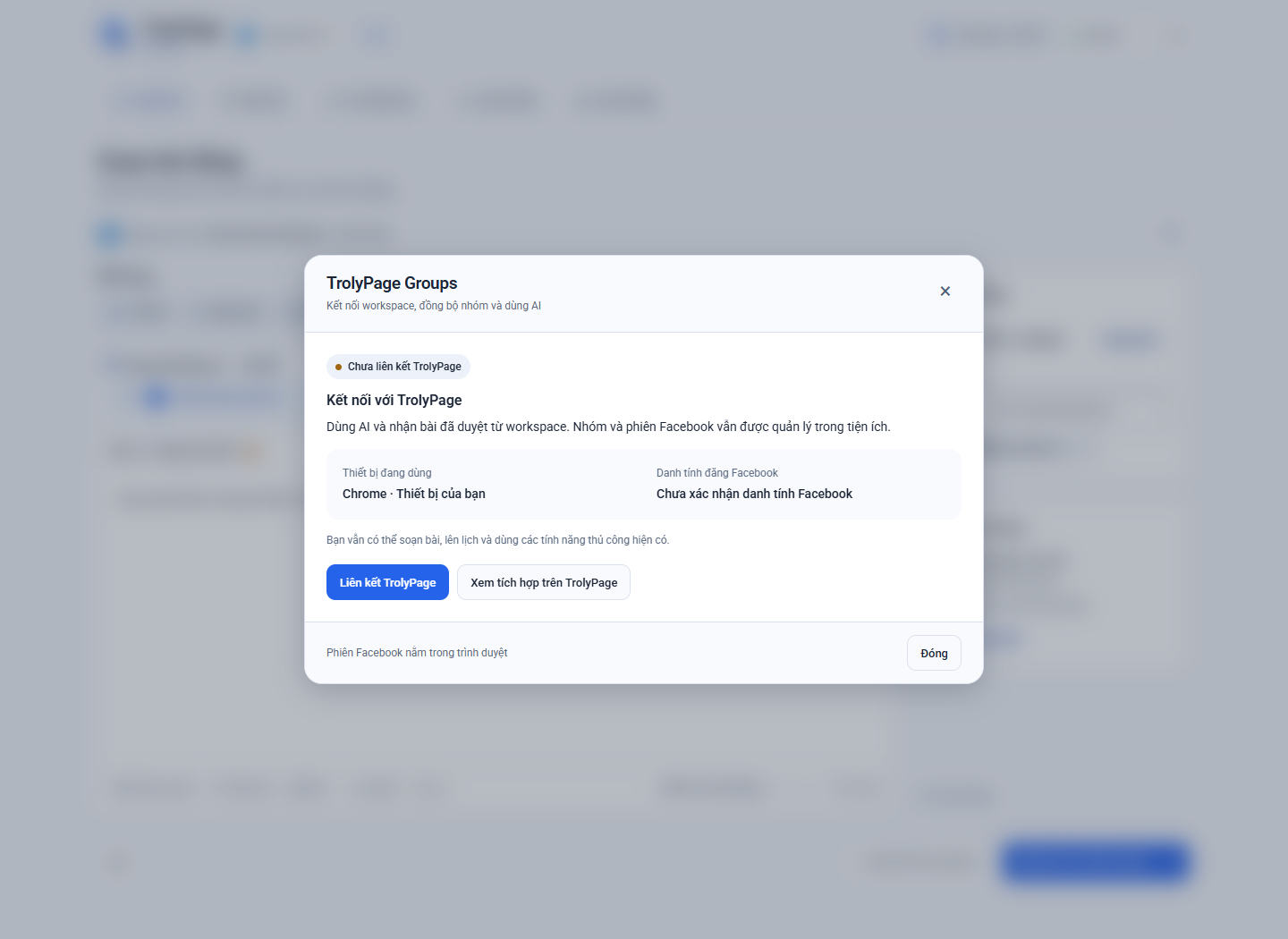
The TrolyPage connection screen in the extension
Actual extension interface. Pairing codes and device data are generated only when you take action.

The right workspace.
The right identity. The right groups.

Your group list in Social Posts

Only groups synced by a device with current eligibility can be selected as publishing destinations. A manually added group in management does not automatically become an authorized device destination.

Open Social Posts

AI permission is a separate choice

Your workspace can grant or revoke AI permission for each device. Pairing a device does not automatically sync every group or enable AI.

See how AI works

Write once.
Choose relevant communities.

TrolyFB. Part of your workspace and everyday work.