

Install Website Chat on Wix
Use Wix Custom Code and place the snippet at the end of the body.
View the stepsWhere the code goes
A map of the platform UI. Labels can vary slightly by version or account language.
- Settings
- Custom Code
- Add Custom Code
- All pages
- Body – end
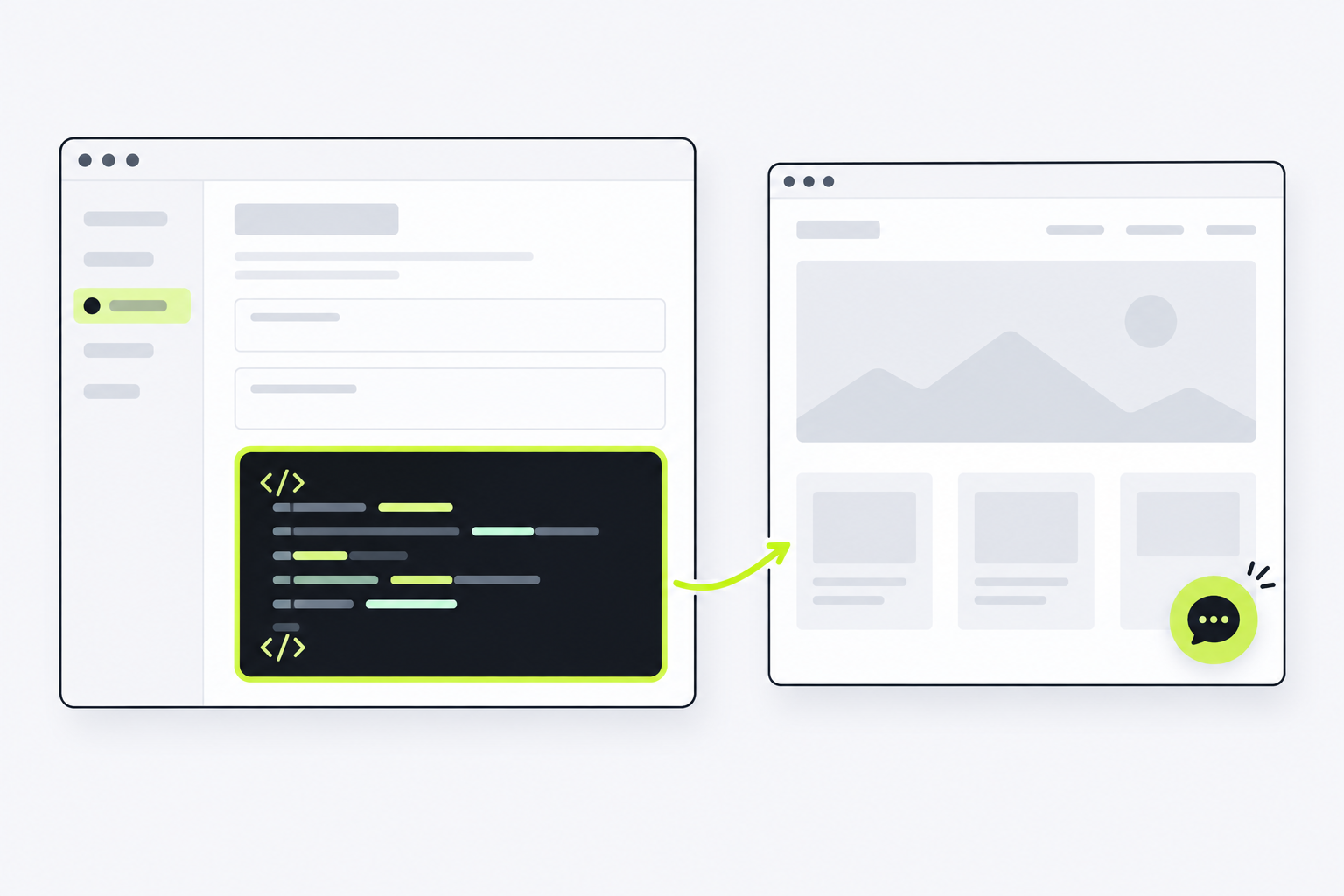
Body – end · All pages
<script async
  src="YOUR_STUDIO_WIDGET_SCRIPT_URL"
  data-token="YOUR_CHANNEL_TOKEN"
  data-server="YOUR_STUDIO_SERVER_URL"
></script> Follow each step.
Every step uses your channel’s real Website Chat snippet; the example on the overview page is not deployable.
-
In your Wix dashboard, open Settings → Custom Code and select Add Custom Code.
-
Paste the complete snippet from TrolyPage Studio and give it a recognizable name such as “TrolyPage Website Chat”.
-
Choose All pages (or only the pages needing chat) and Body – end, apply, and publish the site.
-
Open the public domain, check the widget, and select Check again in Studio.
Ask ChatGPT or Claude to install it
Works even if your website is not listed. Replace the placeholder with your Studio snippet, adjust the prompt if needed, then send it to an AI assistant with website access.
The button only copies; it does not send data. Without website access, the assistant should guide you. Never share admin passwords or API keys.
You can edit the text before copying.
Verify the installation
Open a public page with the snippet. Once the widget loads, return to your channel’s Install section in Studio and select Check again. Detection requires a signal from the live website.
Check in StudioIf the widget is missing
- Verify on the published site, not only inside Wix Editor.
- Confirm the channel is Published and your website domain is allowed.
- Check that the snippet appears only once and is not blocked by cache, CSP, or script blockers.
- Open a public page in a private window, then select Check again; builder previews do not replace a live page.
Platform UI steps were checked against official documentation. This is a code-installation method, not a native TrolyPage plugin or app for that platform.
Read Wix documentation