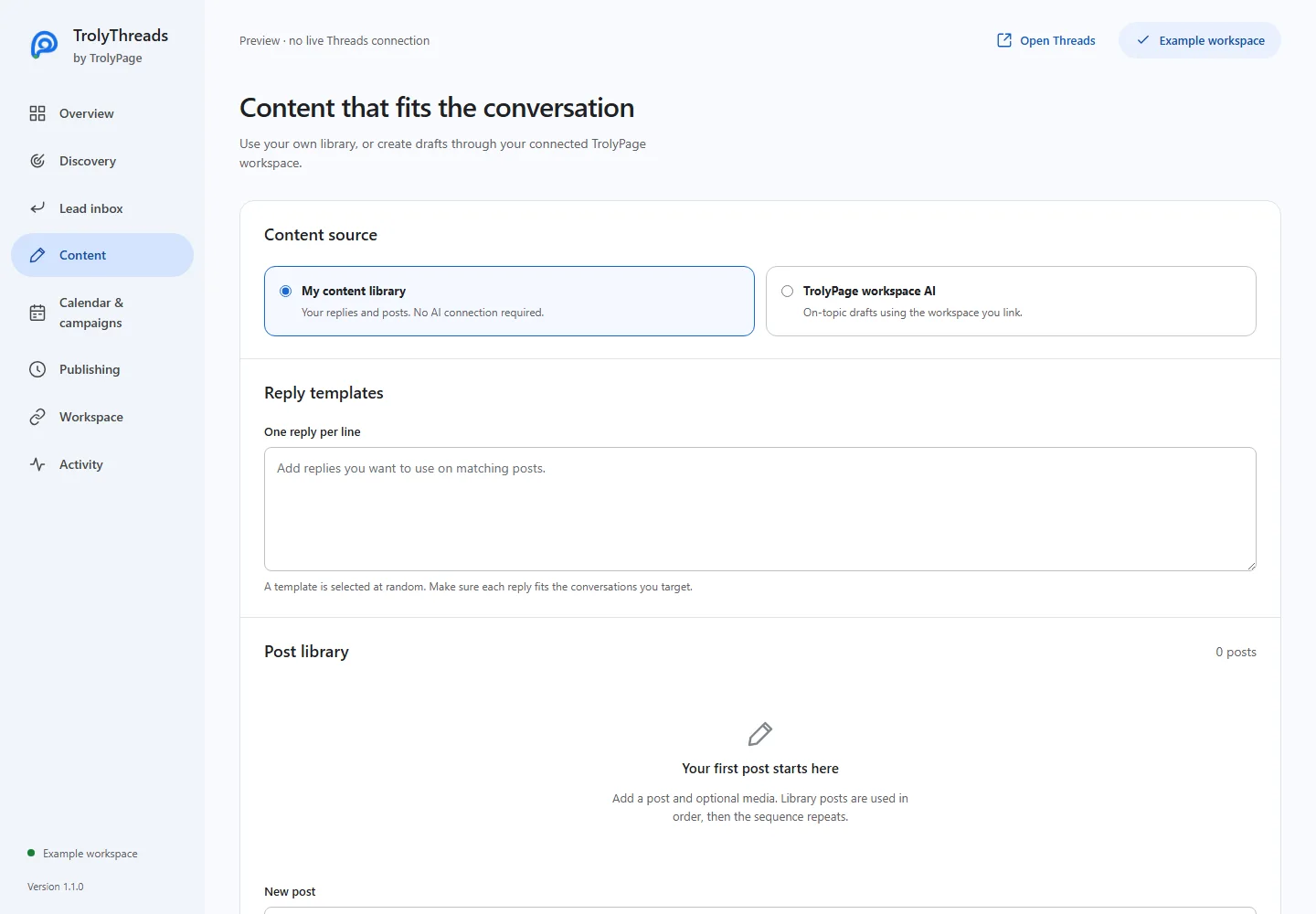
You need a linked workspace with explicit AI permission and available token allowance. AI generation is separate from publishing.
Before you begin
Connect the workspace you intend to use and check AI access in Workspace. If AI is unavailable, keep using My content library. Do not enter passwords, private session values or unsupported factual claims into a brief.
Set language, tone and verified facts
In Content, choose TrolyPage workspace AI. Select the language, write a tone and add Business facts and context. Provide an original-post brief, or paste an example Threads post for an on-topic reply.
Generate only the draft you need
Choose Draft a post or Draft a reply. Read its wording and verify names, prices, dates and claims. Generation alone does not publish. You can navigate away while the request finishes and return to Content.
Improve, compare or review the text
Use Improve text, Create 3 variants or Review text. Choose and edit one variant before saving it within the basic 500-character workflow. Feedback is advice, not content to publish through the feedback save controls.
Save deliberately to the correct library
Save as a post appends a post; Add as reply template adds the edited reply. Save changes commits your library. A saved AI draft still needs a schedule or another real publishing action before it can be sent.
Recover the earlier request when it is pending
Use Check pending AI result rather than repeatedly generating. The tool requests the earlier result without issuing a new billable generation. If that request still needs reconciliation, wait for its resolution and keep your manual draft intact.