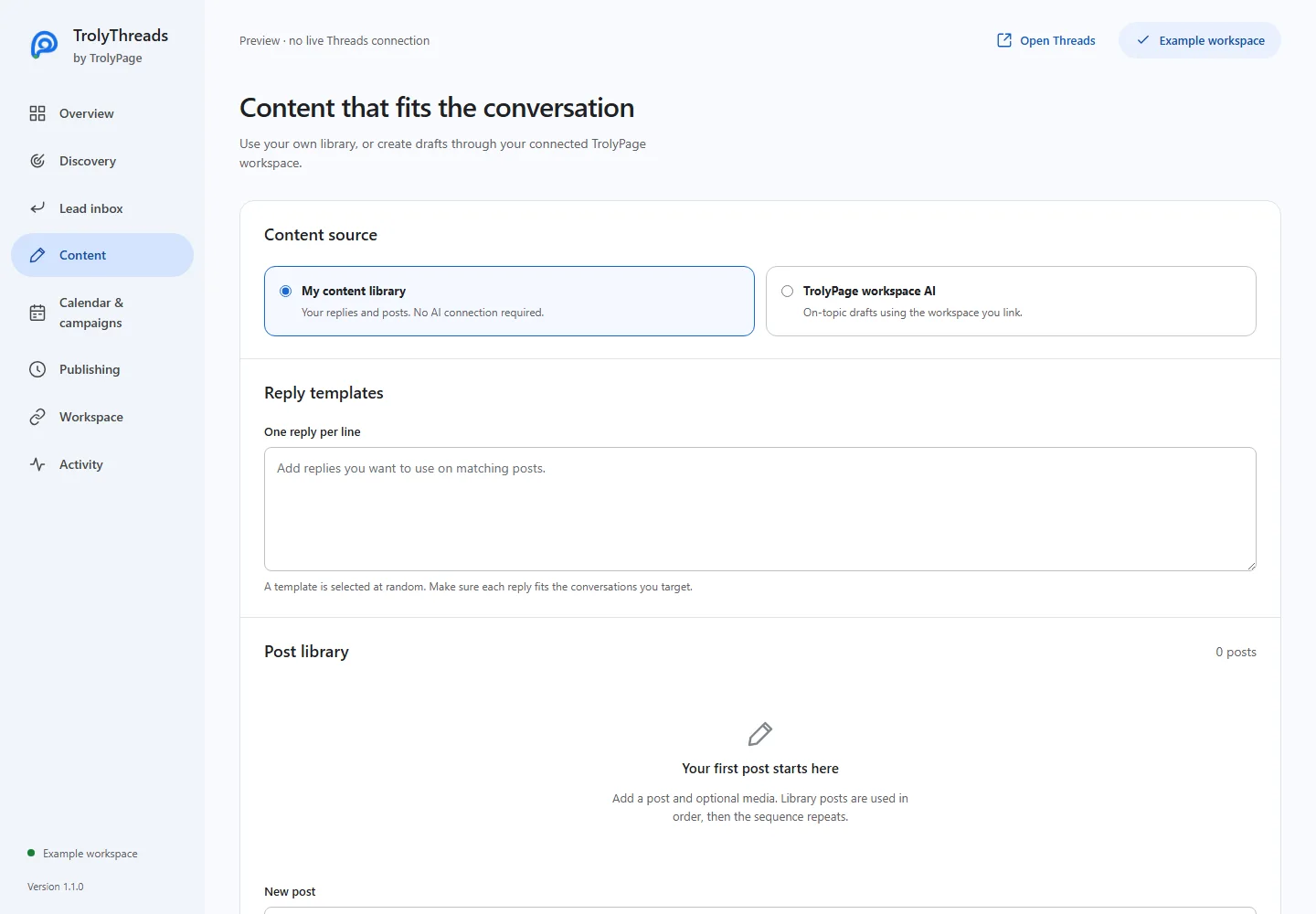
Use My content library without a workspace connection, or choose TrolyPage workspace AI for drafts. Saved posts and reply templates have different roles.
Edit the post you intend to reuse
Add text and an optional image or video, then Add to library. Edit an existing entry, duplicate it or move it up and down. Save changes commits the library for future runs; already approved queue items keep their earlier snapshot.
Make every reply template fit its audience
Enter one reply per line. A template is selected at random, so each line should make sense for the conversations targeted by your filters. Basic replies and posts in this workflow support up to 500 characters.
Come back to unfinished work
Working post, example and AI drafts, including the selected media, are stored privately in the extension and restored after reopening. They are not automatically added to the saved library or scheduled until you choose those actions.