You need a TrolyPage workspace where an administrator enables the integration, plus a running browser extension. Pairing alone grants neither AI permission nor all-group sync.
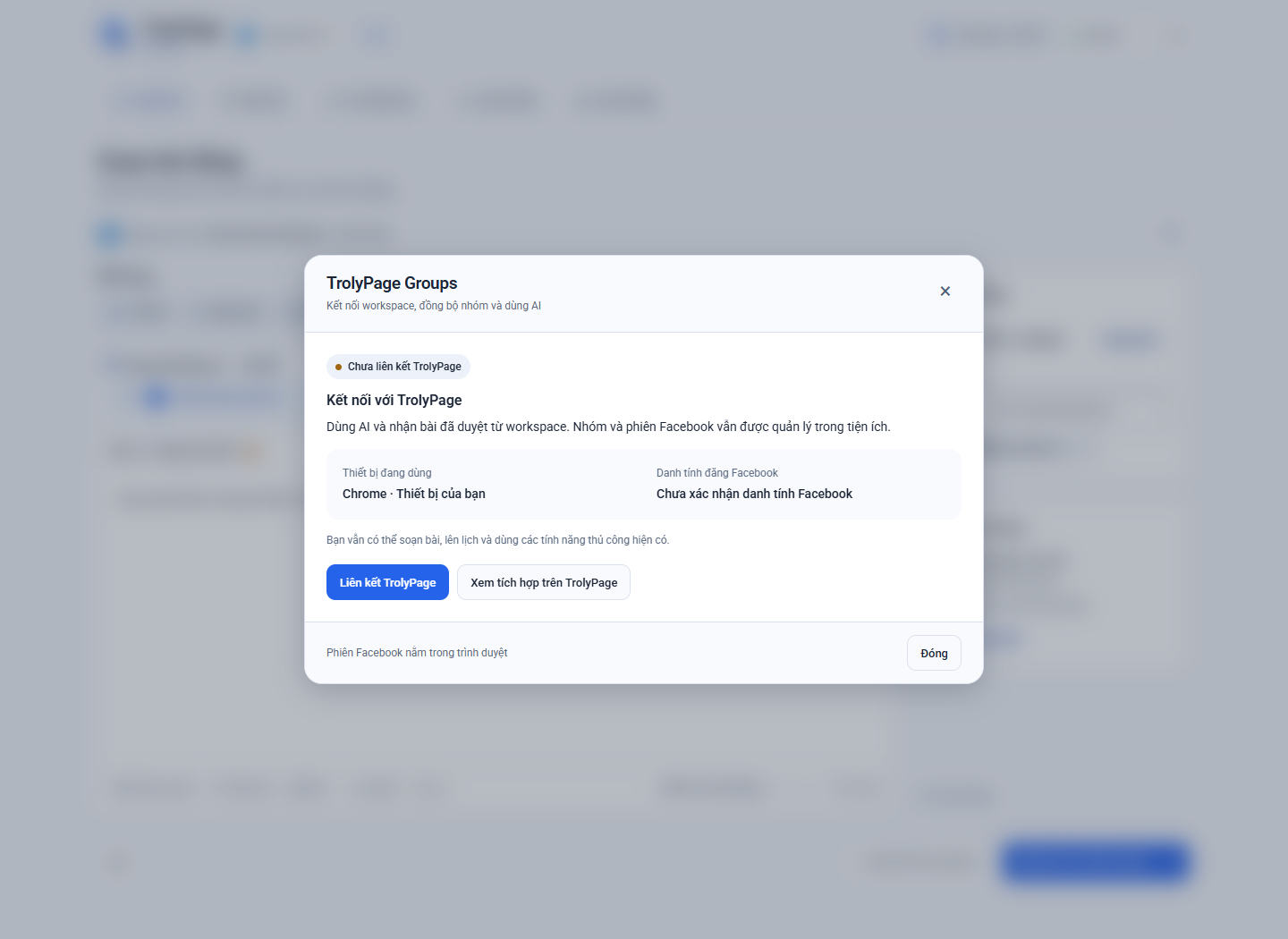
Step by step
Enable the integration in TrolyPage
In a workspace you administer, open Integrations and enable TrolyFB. Check the workspace before pairing. Its Facebook Groups channel will use a device paired with this workspace.
Create and approve a code
In the extension, open the TrolyPage connection and choose to link TrolyPage. Open the confirmation page and check the workspace, device and one-time code. The code expires after ten minutes; create a new one if it expires.
Choose Synced groups
After pairing, select the groups you want to send to TrolyPage and confirm consent in the extension. Consent belongs to the device, workspace and Facebook identity. Recheck and confirm it after an identity change.
Prepare a Social Posts delivery
Choose Facebook Groups, the device and synced groups. Compose and review the content before approval. Deliveries currently support text and up to four JPEG/PNG/WebP images, 20 MiB total. Handle video and spintax manually.
Check results and permissions
Keep the device running with the correct Facebook session and execution permission. An administrator must grant AI permission separately. If a posting result is uncertain, open TrolyPage and reconcile it before resending.
Before you begin
- Pausing the integration blocks new work, AI and sync while keeping the pairing. Disconnecting or revoking a device is a separate action.
- Selected group names, URLs and labels are synced. Facebook cookies and group member lists are not sent.