Website Live Chat
2 min read

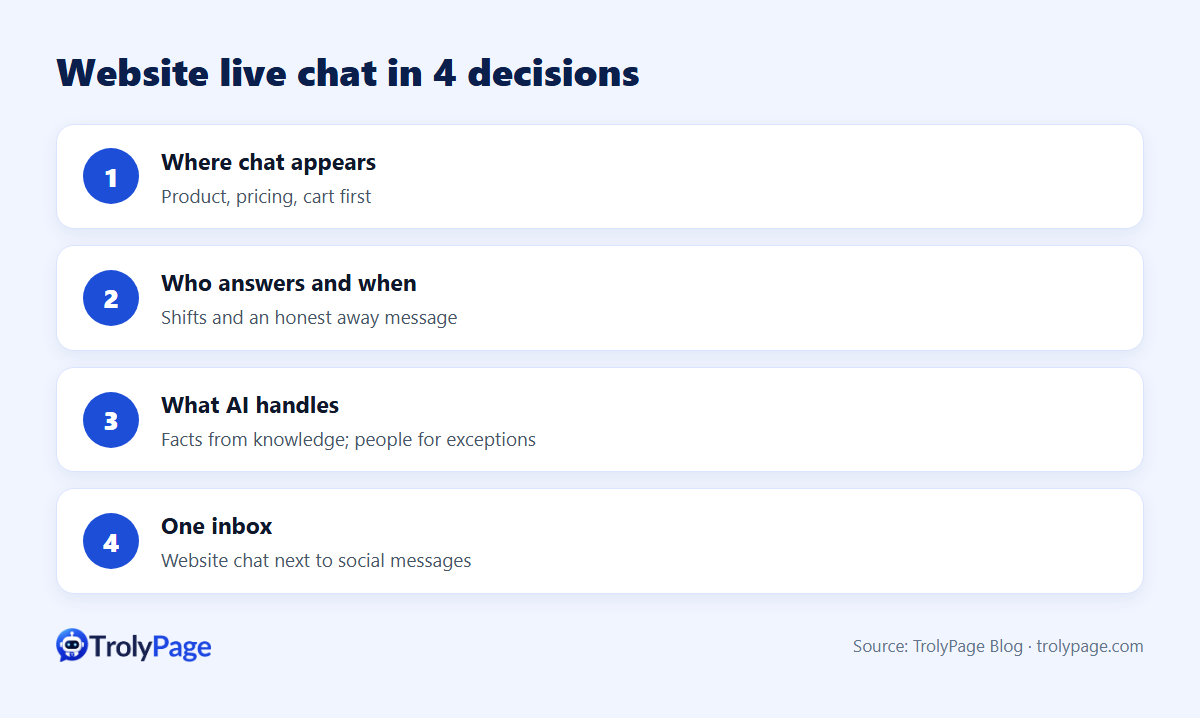
Website live chat for a small business comes down to four decisions:
- Which pages show chat.
- Who answers, and when.
- What an AI assistant handles versus people.
- How chats flow into your existing inbox.
Get these right and chat becomes your fastest sales and support channel. Get them wrong and it becomes an unanswered bubble.
1. Install it correctly
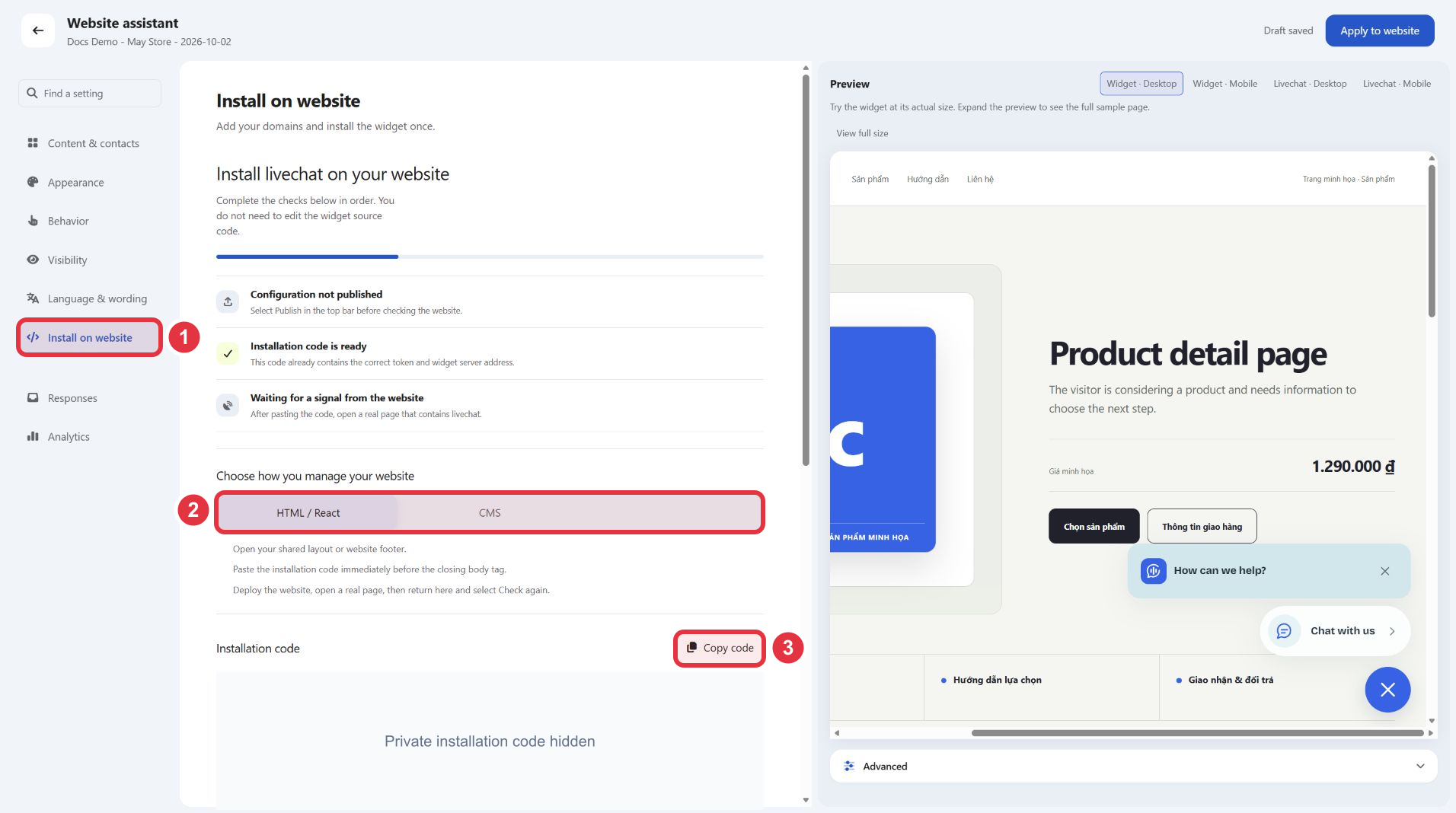
Most platforms need only a footer snippet. Platform guides: WordPress, Shopify, WooCommerce, Wix, Webflow, Squarespace, BigCommerce and Next.js are covered in our series and in TrolyPage's installation guides.
2. Choose where chat appears
| Page | Priority | Why |
|---|---|---|
| Product and pricing pages | High | Questions block purchases |
| Cart and checkout | High | Last-minute doubts |
| Contact and help pages | Medium | Visitors expect help |
| Blog posts | Low | Readers rarely need live help |
3. Staff it
- Set business hours and an honest away message.
- Use shift-based assignment so chats reach whoever is on duty.
- Target replies within a few minutes during business hours.
4. Decide what AI handles
- AI: pricing, product facts, shipping, returns, opening hours, all from approved knowledge.
- People: custom quotes, complaints, refunds, anything the AI isn't sure about.
- Test with questions the AI can't answer; it must hand off instead of guessing.
5. Scripts that work
- Greeting: "Hi! Questions about sizing, shipping or anything else? Ask away."
- Away: "We're offline until 9am. Leave your email and question, and we'll reply first thing."
- Hand-off: "Good question. I'm passing this to a teammate who can confirm. You'll hear back here shortly."
6. One inbox for everything
Customers who chat on your site may also message you on Instagram or Messenger. A shared inbox prevents double replies and lost context. TrolyPage puts website chat next to Messenger, Instagram and Telegram, with tags, internal notes and Follow-up.
7. Measure
- Chats per 1,000 visitors on key pages.
- First response time.
- Share resolved by AI versus handed off.
- Conversion rate of visitors who chatted.
FAQ
What does website chat cost with TrolyPage?
Paid plans start at $8/month as of November 2026, with AI usage measured in tokens. See pricing.
Does chat hurt page speed?
Footer-loaded scripts have a modest impact; measure before and after with your usual tools.
Written by the TrolyPage team. Updated November 2026.