Website Live Chat
2 min read

To add live chat to a WooCommerce store, install the chat snippet in WordPress's site-wide footer: through a wp_footer callback in your child theme's functions.php, or a site-wide Custom Code field. Then check it on a live product and cart page. With TrolyPage Website Chat, no plugin is required.
Why chat matters on WooCommerce
- Shoppers hesitate on product pages over size, compatibility or delivery time.
- Cart pages trigger last-minute questions about shipping costs and returns.
- A quick answer at that moment can save the sale.
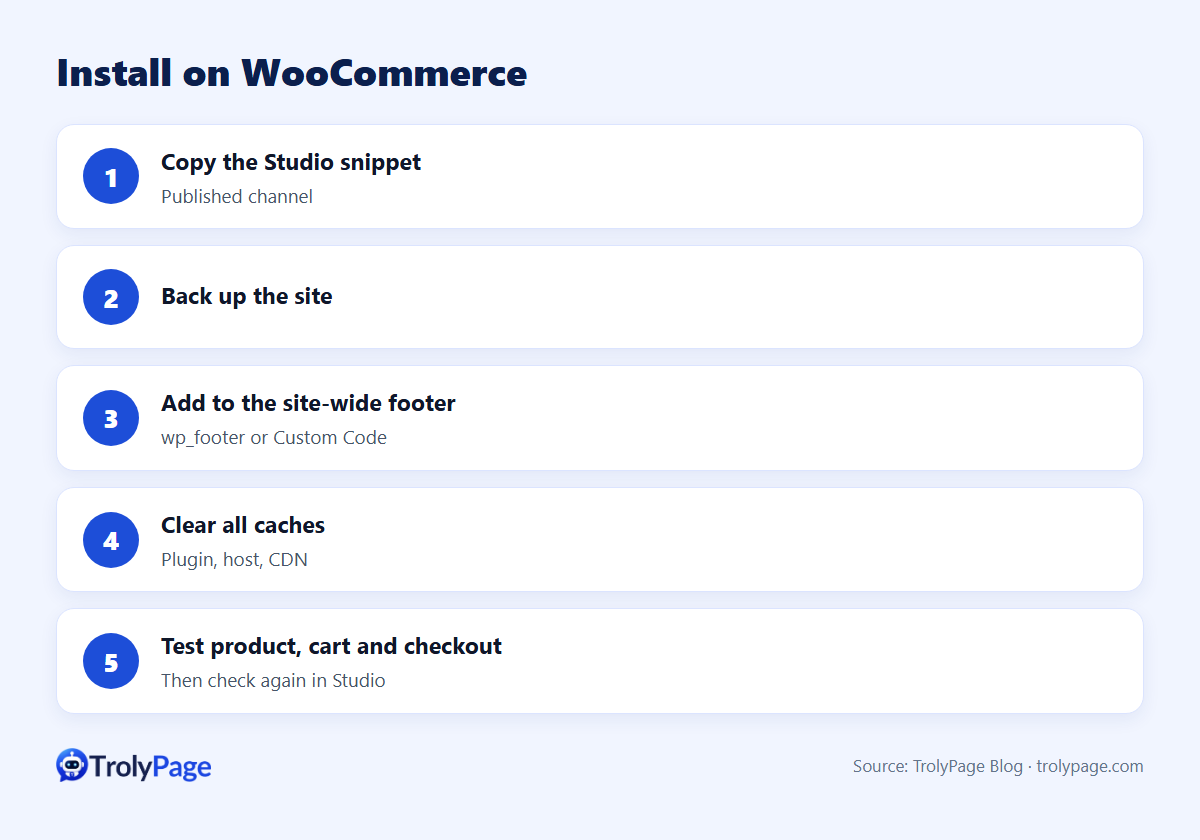
Install steps
- Publish your Website Chat channel in TrolyPage Studio and copy the complete snippet.
- Back up the site.
- Open the active child theme's
functions.phpand add awp_footercallback that outputs the script. Or paste the snippet into your theme or host's site-wide Custom Code (Footer / Body end). - Clear caches (plugin, host, CDN).
- Open a public product page and the cart page in a private window.
- Select Check again in Studio.
Guide: Install Website Chat on WooCommerce.
AI answers for store questions
Train the AI agent with product details, shipping zones, return policy and payment options. Keep these rules:
- Answer only from approved data.
- Never invent discount codes or delivery promises.
- Hand off order problems and refunds to a person.
Common issues
| Issue | Fix |
|---|---|
| Not visible on checkout | Some checkout setups load differently; test the checkout separately |
| Cached pages without the widget | Purge cache after installing |
Theme doesn't call wp_footer() | Use a Custom Code field or fix the theme |
Test WooCommerce live chat after publishing
Use a product page, the cart and the live checkout as three separate tests. Try a variation question, an address change and a payment dispute. Keep sensitive order and payment details in an approved channel.
FAQ
Is this different from the WordPress installation?
The method is the same; for WooCommerce, test product, cart and checkout pages specifically.
Can chat create WooCommerce orders?
Check TrolyPage's current integrations for your setup. The chat itself answers questions and routes conversations to your team.
Written by the TrolyPage team. Updated November 2026.