Facebook Messenger
3 min read
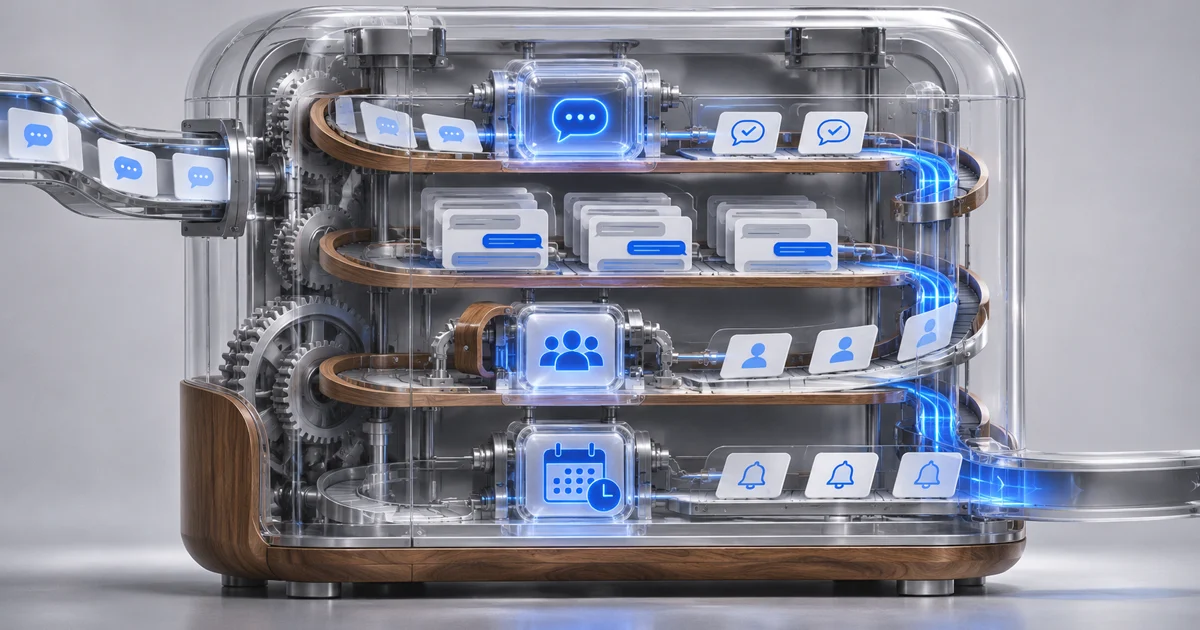
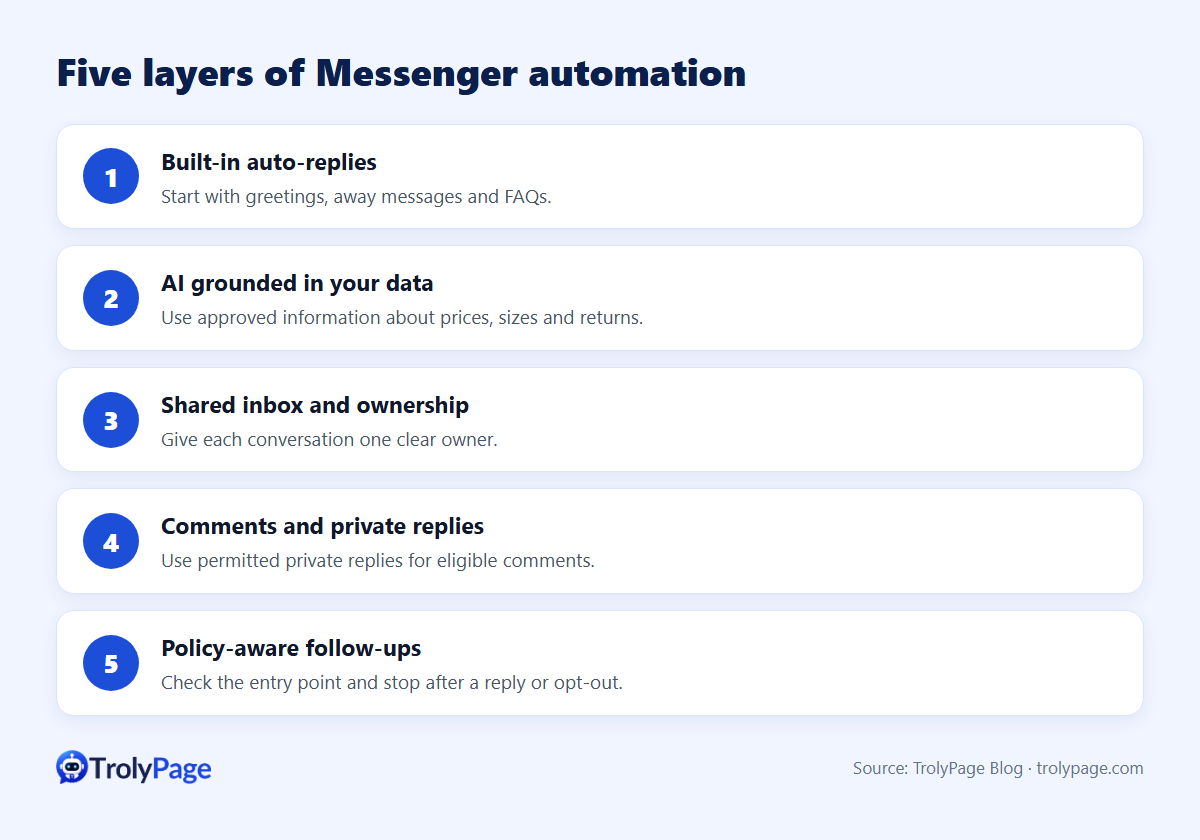
Facebook Messenger automation for a small business comes down to five layers:
- Built-in auto-replies for greetings and hours.
- An AI agent that answers product questions from your data.
- A shared inbox with assignment rules for your team.
- Comment-to-message workflows.
- Policy-safe follow-ups inside Messenger's 24-hour window.
You don't need all five on day one. This guide shows what each layer does and links to a detailed article for each.
The five layers at a glance
| Layer | What it solves | Start when |
|---|---|---|
| 1. Built-in auto-replies | Instant greeting, away message, FAQ | Day one, free |
| 2. AI agent | Repeated questions on price, size, shipping, returns | You answer the same questions every day |
| 3. Shared inbox and assignment | Several people and Pages, no missed chats | 2+ people or 2+ Pages |
| 4. Comment to message | "Price?" comments become conversations | Posts and ads get lots of comments |
| 5. Follow-ups | Quiet customers who were interested | Many chats end without a decision |
Layer 1: Built-in auto-replies
Instant reply, away message and FAQ live in Meta Business Suite and cost nothing. Keep greetings to one sentence and one question. Guide: How to set up Facebook Messenger auto-reply.
Layer 2: An AI agent trained on your data
Give the agent your catalog, size charts, shipping and return policy. Set clear rules: answer only from that data, and hand off when unsure. Test with real questions, including ones your data can't answer, before going live. Guide: How to train an AI chatbot on your product catalog and policies.
Layer 3: Shared inbox and assignment
Collect every Page and channel in one inbox, assign by shift, and use tags and internal notes for handovers. When a teammate takes over, the AI pauses in that chat. Guide: How to manage multiple Facebook Pages from one inbox.
Layer 4: Comments to conversations
Hide spam and personal data automatically, then send one private reply within 7 days to people who asked about price or stock. Guides: Private replies on Facebook; How to hide spam comments.
Layer 5: Follow-ups that respect the rules
Standard messages are allowed for 24 hours after the customer's last message. Plan nudges inside that window, with auto-stop when the customer replies or buys. Guide: Facebook Messenger 24-hour rule explained.
A 30-day rollout plan
- Week 1: turn on instant reply and away message; collect your 30 most common questions.
- Week 2: write the knowledge for an AI agent and test it internally.
- Week 3: switch the AI on for routine questions; set hand-off rules and shift assignment.
- Week 4: add comment moderation and follow-ups; review AI conversations weekly.
What to measure
- First response time, during and outside business hours.
- Share of conversations resolved without a human.
- Hand-offs and their reasons. These show you what data to add.
- Orders per 100 conversations.
Where TrolyPage fits
TrolyPage combines an AI agent trained on your data, a shared inbox (Messenger, Instagram, Telegram, website chat and more), shift-based assignment, Follow-up with auto-stop conditions and scheduled publishing. It also has an MCP server, so you can connect AI assistants such as ChatGPT or Claude. Paid plans start at $8/month as of November 2026; see pricing and features.
FAQ
Is Messenger automation allowed by Meta?
Yes, within Meta's Messenger Platform policies: respect the 24-hour window, use message tags only for their stated purpose, and don't spam.
Will automation make my brand feel robotic?
Not if you keep replies short, answer from real data and hand off to people for decisions and complaints.
Written by the TrolyPage team. Updated November 2026.