Website Live Chat
2 min read

To add live chat to a Squarespace site:
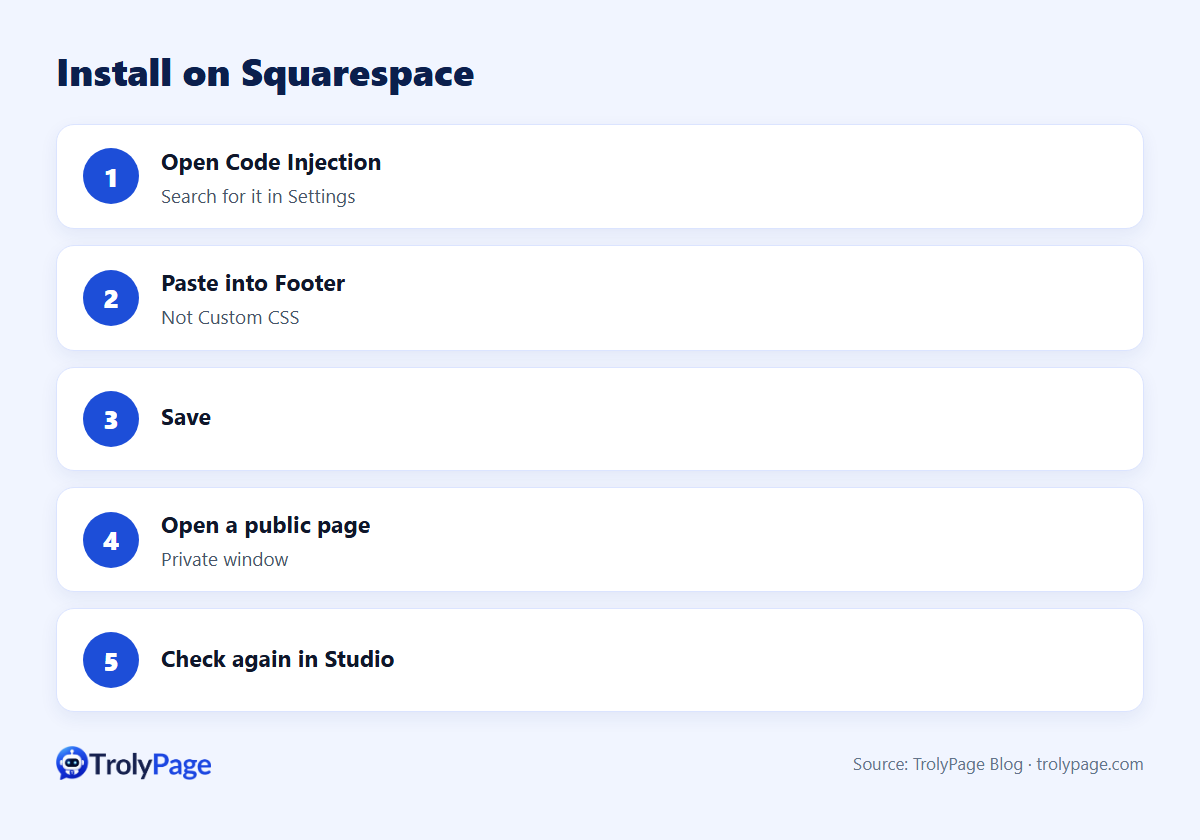
- Open Code Injection in your site's settings (search for "Code Injection").
- Paste the full chat script into the Footer field, not Custom CSS.
- Save, then check a public page.
Code Injection availability depends on your Squarespace plan.
Step by step
- Publish your Website Chat channel in TrolyPage Studio and copy the complete script tag.
- In Squarespace, open Settings and search for Code Injection.
- Paste the script into Footer.
- Save.
- Open a public page in a private window and confirm the widget.
- In Studio, select Check again.
Guide: Install Website Chat on Squarespace.
Common mistakes
| Mistake | Result |
|---|---|
| Pasting into Custom CSS | Script doesn't run |
| Pasting a partial snippet | Widget fails to load |
| Testing in the editor only | Studio can't detect the install |
| Domain not allowed in Studio | Widget blocked on your domain |
Good uses of chat on Squarespace sites
- Service businesses: answer pricing questions and collect booking requests.
- Portfolios: qualify project inquiries before a call.
- Small shops: answer shipping and sizing questions.
Add an AI agent with your services, prices and policies, and hand off bookings and custom quotes to a person.
Test Squarespace live chat after publishing
Test the live homepage, a product or service page and an inquiry form on mobile. Check that the launcher leaves form buttons accessible and that the reply reaches the person responsible for new inquiries.
FAQ
Do I need a Squarespace extension?
No. It's a code installation through Code Injection.
Can I limit chat to certain pages?
Use page-level code injection where your plan supports it, and make sure the snippet appears once per page.
Written by the TrolyPage team. Updated November 2026.