AI Chatbots & Automation
3 min read

An MCP (Model Context Protocol) server lets AI assistants such as Claude, ChatGPT or Cursor use your business tools safely. They can read conversations, look up orders, draft posts and request actions under rules you set. With TrolyPage's MCP server, an assistant connects to your workspace, which includes the Facebook Page and Instagram conversations you've connected. Sensitive writes such as sending messages or publishing can wait for human approval.
What you can do with it
- "Summarise today's unanswered Instagram DMs and draft replies."
- "Find the order for this customer and tell me its status."
- "Draft three posts about our new product and schedule them for next week," with approval before publishing.
- "Which questions did customers ask most this week?"
How TrolyPage's MCP is structured
- One unified server at
/mcp/trolyexposes the tools included in your workspace plan. - Seven focused servers (customer support, commerce, analytics, marketing, knowledge and more) cover narrower use with tighter permissions.
- The tool list depends on your workspace entitlement and role. List the tools after connecting to verify which ones are available.
TrolyPage Platform Blog is a separate MCP connection for Admin Platform blog drafts and SEO updates. Use the workspace MCP above for customer conversations and business operations.
Connecting your AI client
| Client | How to authenticate |
|---|---|
| ChatGPT, Claude (web) | OAuth 2.1 with PKCE |
| Claude Desktop | Connectors with OAuth |
| Cursor | MCP API key, config in .cursor/mcp.json |
| VS Code | MCP API key, .vscode/mcp.json with the servers key |
| Claude Code | MCP API key |
Start with a safe read-only call, such as listing tools or reading one conversation, before allowing writes. Setup details: TrolyPage MCP.
Approval modes
| Mode | Behaviour | Use when |
|---|---|---|
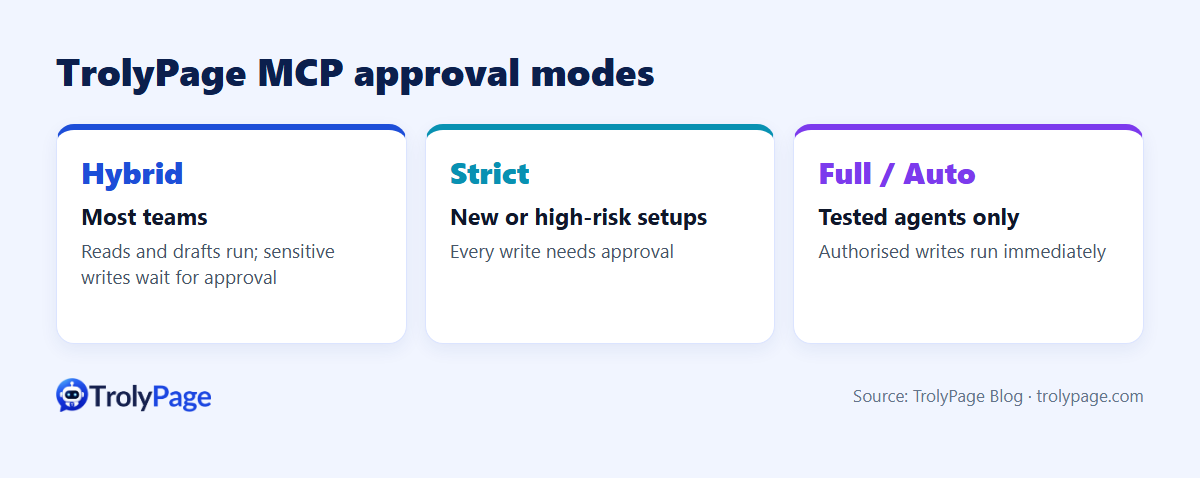
| Hybrid | Reads and drafts run immediately; sensitive writes (publishing, broadcasting, orders, shipments, messages) go to an approval queue | Most teams |
| Strict | Every write needs manual approval | New setups, high-risk accounts |
| Full / Auto | Authorised writes run immediately | Well-tested agents in controlled environments only |
Safety practices
- Use scoped API keys or OAuth; never paste credentials into chats.
- Begin in Hybrid or Strict mode.
- Ask the assistant to list and read before it writes, and never to invent IDs.
- Review the approval queue daily.
Common errors
- Credential missing or expired: sign in again via OAuth or create a new key.
- Module not in plan: the workspace plan doesn't include that MCP module.
- Scope, role or workspace mismatch: check the
mcp:usescope and your role.
FAQ
Is MCP only for developers?
No. With OAuth in ChatGPT or Claude, non-technical users can connect without writing code.
Can the AI send messages to customers on its own?
Only if your approval mode allows it. In Hybrid mode, sending waits for approval.
Written by the TrolyPage team. Updated November 2026.