AI Chatbots & Automation
2 min read

Zapier, Make and n8n let you connect your social and support tools to the rest of your stack, such as spreadsheets, CRMs and Slack, so events trigger actions automatically. With TrolyPage, you connect a webhook from Zapier, Make or n8n in your workspace, then build the receiving workflow (a Zap, scenario or n8n workflow) that does something with TrolyPage events.
How it works
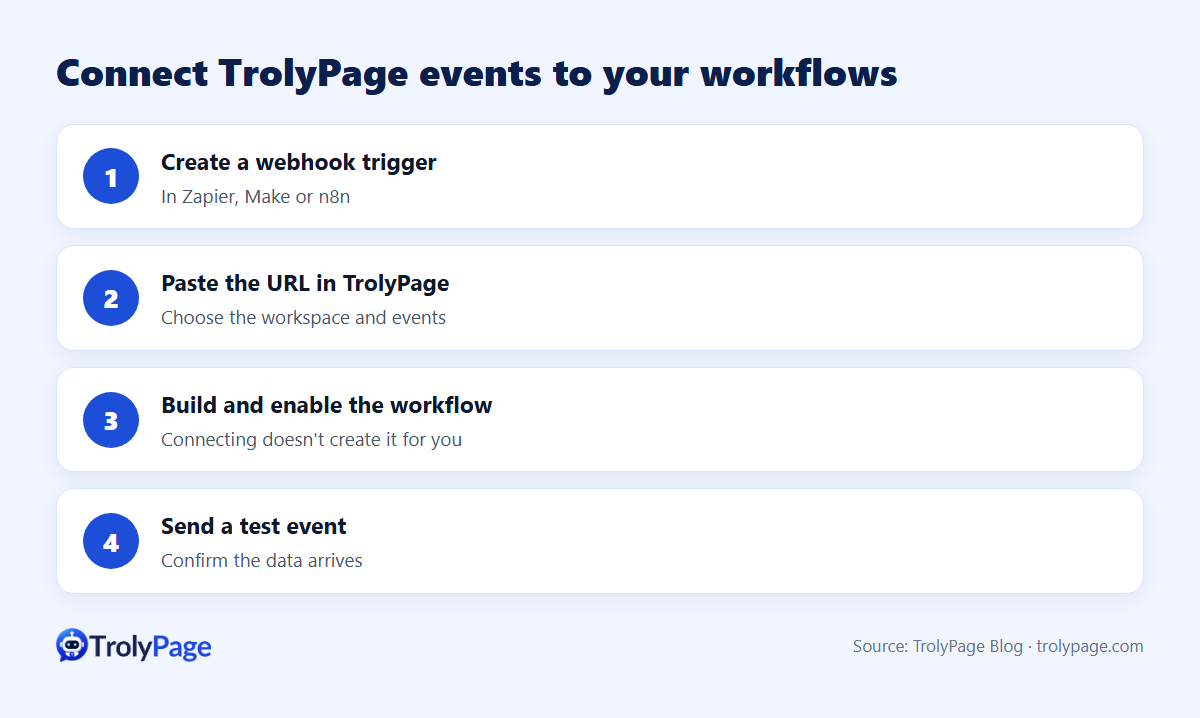
- In Zapier, Make or n8n, create a workflow that starts with a webhook trigger and copy its URL.
- In TrolyPage, open the matching integration (Zapier, Make or n8n), choose your workspace and paste the webhook URL.
- Choose which supported events to send.
- Build and enable the workflow on the automation platform. Connecting doesn't create the Zap or scenario for you.
- Trigger a test event and confirm the data arrives.
Workflow ideas
| When this happens in TrolyPage | Do this | Tool |
|---|---|---|
| A new lead or conversation is captured | Add a row to Google Sheets or Airtable | Zapier, Make, n8n |
| A conversation is tagged "Complaint" | Post an alert to Slack or Teams | Any |
| An order is created | Create a record in your CRM | Any |
| A booking is made | Add it to Google Calendar | Any |
Available event types depend on the integration and your plan; check them in your workspace.
Choosing a platform
- Zapier: easiest setup, largest app directory.
- Make: visual multi-step scenarios, good value for complex flows.
- n8n: self-hostable or cloud, flexible for technical teams.
Native integrations first
TrolyPage also lists direct integrations, including Google Sheets, Airtable, Slack, Discord, Microsoft Teams, Calendly, Google Calendar, HubSpot, Mailchimp, Brevo, Shopify and Notion. Use those where they cover your need, and automation platforms for everything else. See integrations.
Tips
- Name workflows clearly, for example "TrolyPage → Sheets: new leads".
- Log failures; webhook deliveries can fail when the receiving workflow is off.
- Don't send more personal data than the downstream tool needs.
FAQ
Can Zapier send actions back into TrolyPage?
Check the integration's current capabilities. For AI-assistant-driven actions with approvals, see TrolyPage's MCP server.
Written by the TrolyPage team. Updated November 2026.