Social Media Publishing
2 min read

Check posting limits for the account, format and tool you will use. The native composer and a scheduler may apply different rules. Preview where the text is cut off, then check your caption, media and links on the exact publishing path before you queue a campaign.
Text limits (reference, November 2026)
| Platform | Field | Limit |
|---|---|---|
| X | Post (standard account) | 280 characters |
| Threads | Standard text post | 500 characters. Longer text attachments are a separate format. |
| Bluesky | Post | 300 characters |
| Mastodon | Post | Often 500 (varies by server) |
| Caption | 2,200 characters | |
| Post | 3,000 characters | |
| TikTok | Caption | Check the native composer or the applicable Content Posting API endpoint for the selected format. |
| YouTube | Title / description | 100 / 5,000 characters |
| Pin title / description | 100 / 500 characters | |
| Post | Very long text supported |
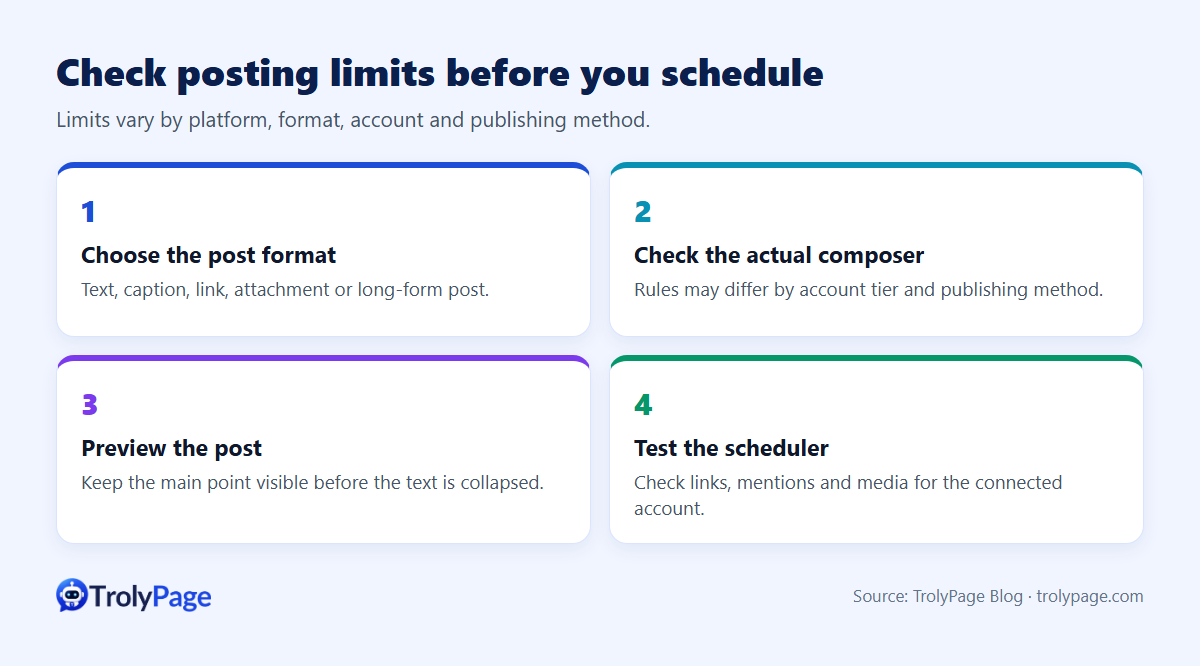
Image and video ratios that work
| Format | Recommended ratio |
|---|---|
| Instagram feed | 4:5 or 1:1 |
| Reels, Stories, TikTok, Shorts | 9:16 |
| LinkedIn and Facebook images | 1.91:1, 1:1 or 4:5 |
| YouTube video | 16:9 |
| 2:3 |
Practical tips
- Write a short version (under 280) and a long version, then adapt.
- Keep key text inside the centre safe area for vertical video.
- Emojis and some characters may count differently, so use a live counter.
- Check file size limits for video uploads per platform.
Tools
Composers with per-network previews and counters prevent failed posts. TrolyPage shows published and failed status for scheduled posts; TrolyThreads has a live 500-character counter for Threads.
References
Written by the TrolyPage team. Updated November 2026. Limits change; confirm in each platform's help centre.