
Microsoft Excel 365
Sync customers and orders to an Excel table with Microsoft sign-in
Explore integration

An autonomous Marketing & Sales operating system for businesses that want AI-powered omni-channel growth.
Choose the display language for content and links.

Automatically export orders and customer data to Google Sheets
Set up Google SheetsSign in to choose your workspace and configure this connection.
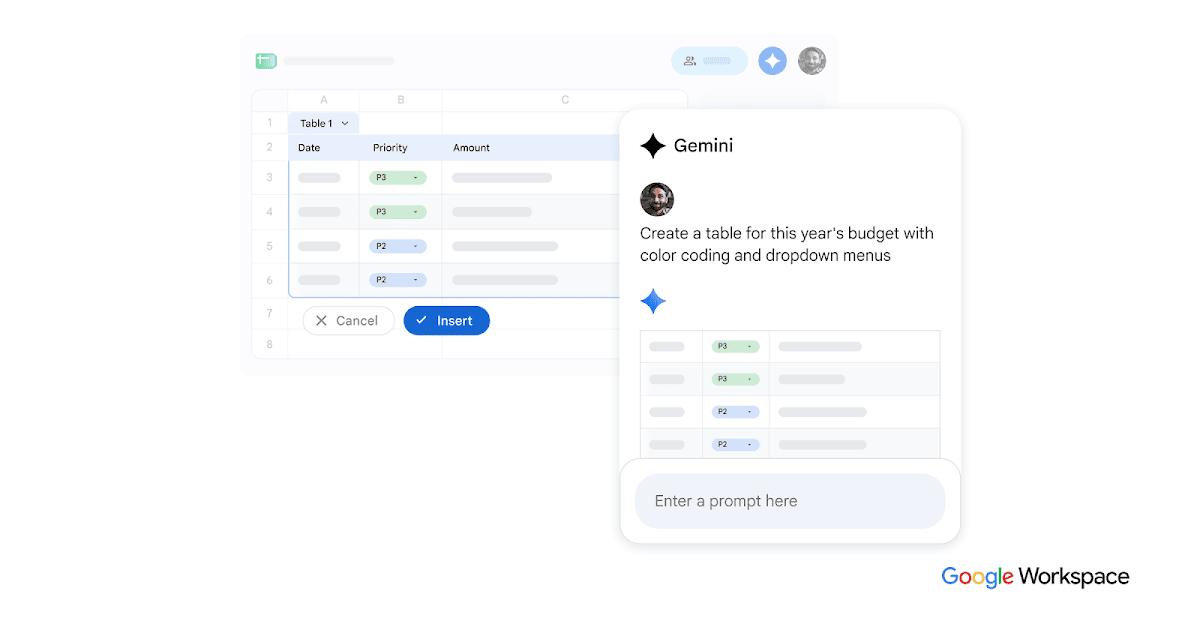
Authorize Google and select a spreadsheet. Each sheet’s configuration determines what is synced.
Review the available connection options in your workspace. You choose what to connect and when to run an action.
Set up Google Sheets