Instagram & Threads
2 min read

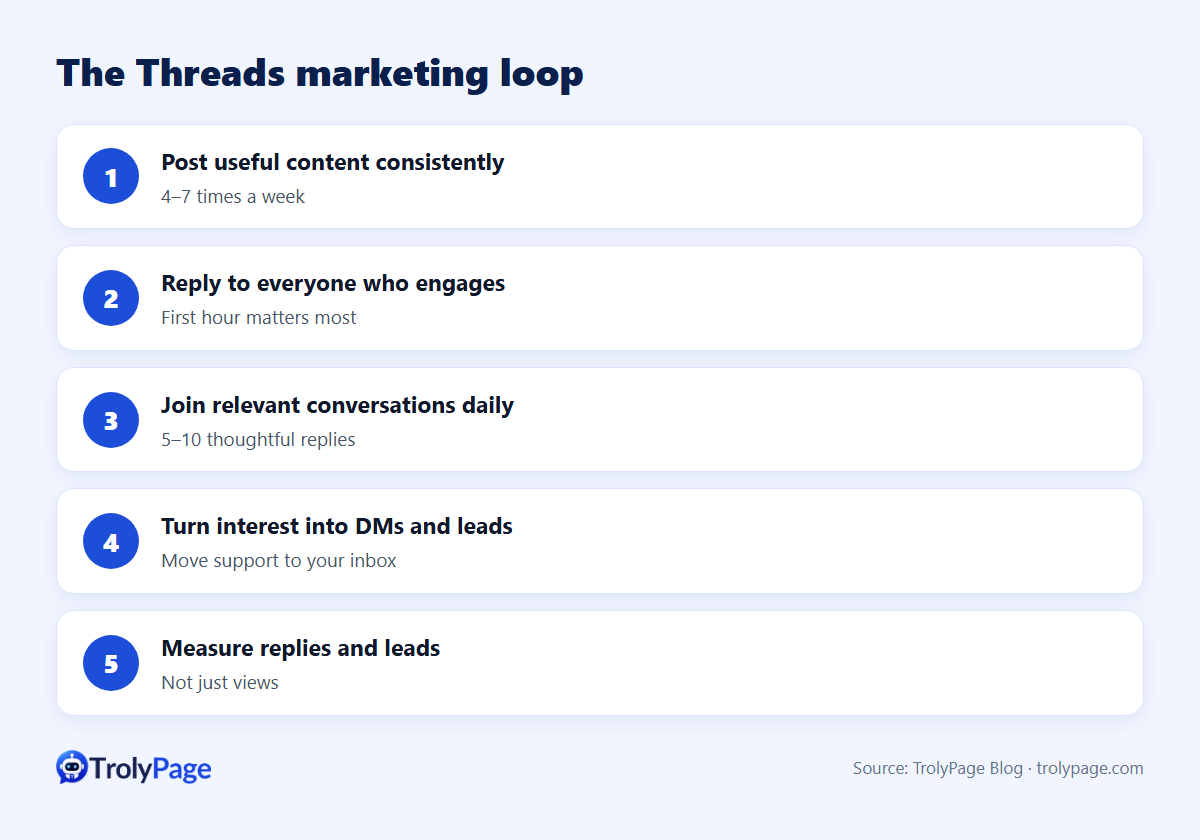
Threads marketing for a small business works on a simple loop:
- Post useful, conversational content consistently.
- Reply to everyone who engages.
- Join relevant conversations daily.
- Turn interested people into DMs, leads and customers.
- Measure replies and leads, not just views.
This guide connects the articles in our Threads series into one playbook.
1. Set up the account
- Use your Instagram brand identity; write a clear bio with what you do and who it's for.
- Decide your voice: friendly expert, playful brand, or founder-led.
- Pin a post that explains what followers will get.
2. Plan content
Use a weekly calendar with 5 content types: tips, questions, behind-the-scenes, product stories and community posts. See: Threads content calendar template.
3. Write for the format
500 characters, a strong first line, short paragraphs and a closing question. See: Threads character limit and formatting tips.
4. Schedule for consistency
Batch-write weekly and schedule. See: Best free Threads schedulers; How to schedule Threads posts from your desktop.
5. Engage every day
Reply within the first hour of posting, and join 5–10 relevant conversations a day. See: How to find conversations to join on Threads; How to grow on Threads as a brand.
6. Convert interest into business
| Signal | Next step |
|---|---|
| Someone asks about your product in a reply | Answer publicly, then offer to help in DMs |
| A thread describes a problem you solve | Give a genuinely useful answer; mention your product only if relevant |
| A follower DMs | Route to your support inbox and answer fast |
7. Measure monthly
- Replies per post and follower growth.
- Leads and DMs from Threads.
- Top 5 posts: what do they have in common?
Where TrolyPage fits
TrolyThreads is a desktop Chrome/Edge extension with a 500-character composer, scheduler, conversation discovery and a lead inbox. It runs locally, with optional TrolyPage workspace sync and AI. DMs and support conversations from your other channels can be handled in TrolyPage's shared inbox.
FAQ
How much time does Threads marketing take?
About 60–90 minutes a week for batching, plus 15 minutes a day for engagement.
Can I automate replies on Threads?
Don't automate replies to other people's threads. Use tools for discovery and drafting, but write and send replies yourself.
Written by the TrolyPage team. Updated November 2026.