Instagram & Threads
2 min read

To schedule Threads posts from your desktop, you can use Threads on the web (where scheduling is available for your account), a multi-network scheduler, or a Chrome extension such as TrolyThreads. With TrolyThreads you write the post in a 500-character composer, attach one image or video, pick a time, and keep Chrome open with a Threads tab on the right account so the schedule runs.
Option 1: Threads on the web
- Open Threads in your desktop browser and start a new post.
- If scheduling is available on your account, open the post options and choose a date and time.
- Review scheduled posts from your profile's drafts or scheduled area.
Native tools are the simplest choice, but they don't offer a weekly calendar or discovery features.
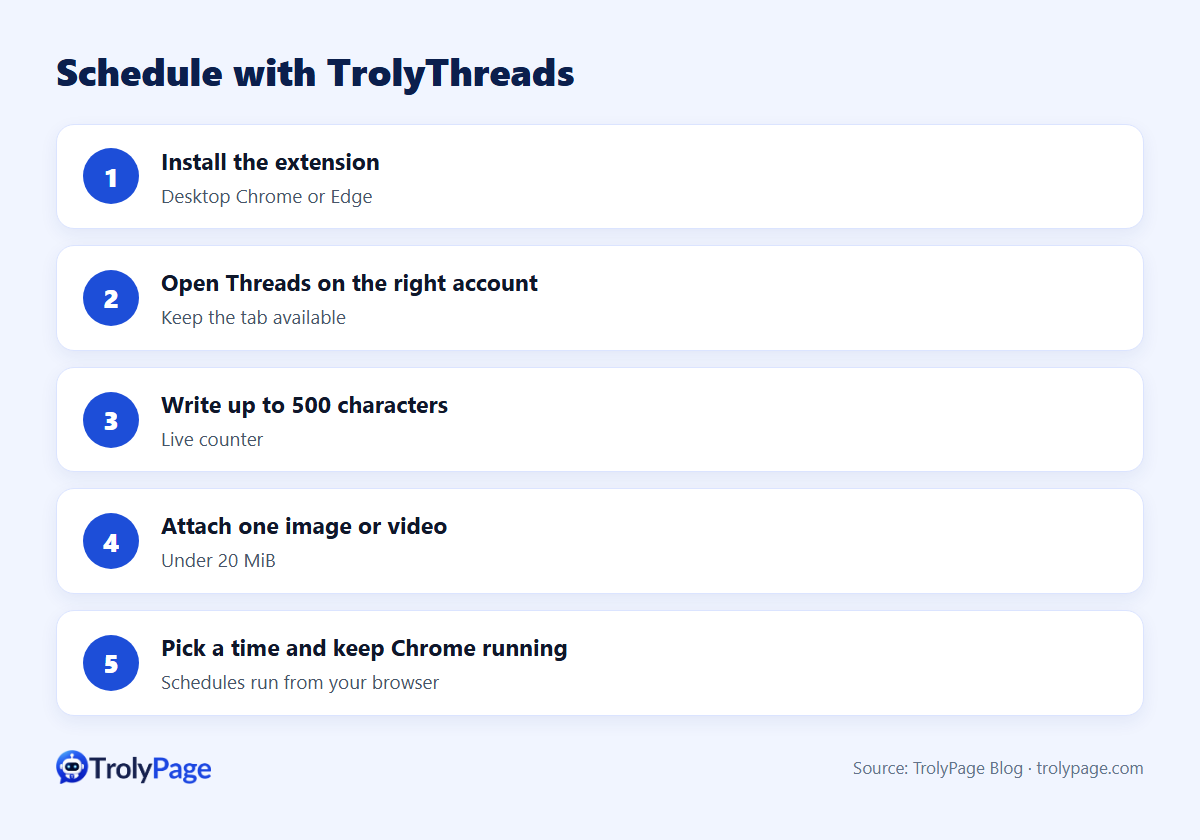
Option 2: TrolyThreads step by step
- Install TrolyThreads from the TrolyPage extensions page (desktop Chrome or Edge; packages ship with a SHA-256 checksum).
- Open Threads in a tab and sign in to the account you want to post from.
- Write your post in the composer. The counter shows characters used out of 500.
- Attach media (one image or video under 20 MiB).
- Pick a time and add it to the schedule.
- Keep the browser running with the Threads tab available at that time.
- Optional: connect your TrolyPage workspace for AI drafting and team sync.
Batch a week of Threads in one hour
| Minutes | Task |
|---|---|
| 0–10 | List 7 ideas: tips, behind-the-scenes, a question, a product story |
| 10–40 | Write 7 posts under 500 characters; open each with a strong first line |
| 40–50 | Prepare 2–3 images or short videos |
| 50–60 | Schedule across the week at your best-performing times |
Tips
- Write the first line for the feed: it's what people see while scrolling.
- End with a question to invite replies.
- Be online after posting to answer early comments.
- Don't schedule and disappear: joining other conversations builds reach on Threads.
FAQ
What happens if my computer is off at the scheduled time?
Browser-based schedulers like TrolyThreads need the browser running. Use a cloud scheduler if you can't keep a desktop on.
Can I schedule threads with multiple posts?
Check your tool's current support. If it isn't supported, schedule the first post and add the rest manually.
Written by the TrolyPage team. Updated November 2026. Threads features vary by account and region.